Starting a small business means wearing many hats. One minute you're choosing a business name, the next you're building a website, creating social media accounts, and trying to design a logo that actually looks professional.
The good news? You don't need to hire a designer or spend thousands of dollars to create a great logo anymore. Today's AI-powered logo design tools can help you generate, customize, and download a professional logo in just a few minutes.
In this guide, we'll look at five of the best logo design tools for small businesses in 2026!
Where Are You in Your Small Business Journey?
Not every small business is at the same stage, so there's no single "best" logo design tool for everyone. Some businesses are still testing an idea, while others are preparing to launch or refresh their brand.
Before you dive into the reviews below, think about where you are in your business journey. The right tool often depends on what you're trying to accomplish today—not six months from now.
You're still exploring a business idea
Maybe you've just come up with a business name and want to see what a logo could look like. At this stage, there's no need to spend a lot of money. A free or affordable logo maker lets you experiment with different styles before committing to a final design.
Recommended tools:
- Design.com
- BrandCrowd
- Shopify Logo Maker
You're ready to launch
If you're about to open your business, launch your website, or start promoting your products or services, you'll want a professional logo that's ready to use everywhere.
Look for a platform that lets you download high-quality logo files and create matching branding materials like business cards and social media graphics.
Recommended tools:
You're growing your business
As your business grows, your branding needs usually grow too. You might need a website, flyers, presentations, email signatures, or social media posts. Instead of using several different design platforms, it often makes more sense to use one that brings everything together.
Recommended tools:
You want something completely custom
If you have a specific vision or simply prefer working with professional designers, a crowdsourcing platform may be a better fit than an AI logo maker. You'll receive multiple custom logo concepts and can choose the design that best matches your brand.
Recommended tool:
Quick Comparison
For quick reference, check out this table:
|
Tool
|
Best For
|
Free Plan?
|
Starting Price
|
|
Design.com
|
AI-powered branding for growing businesses
|
Yes
|
From $3/month
|
|
BrandCrowd
|
Fast, customizable logo creation
|
Yes
|
From $3/month
|
DesignCrowd
|
Custom designs from freelance professionals
|
No
|
Varies by project
|
|
Wix Logo Maker
|
Businesses building a Wix website
|
Logo preview
|
From $49.20 one-time
|
|
Shopify Logo Maker
|
E-commerce startups
|
Yes
|
Free
|
|
Adobe Express
|
Simple logo creation and graphic design
|
Yes
|
From $9.99/month
|
Which Logo Design Tool Is Right for You?
If you just want the short answer, here's our recommendation:
- Choose Design.com for an all-in-one branding platform that grows with your business.
- Choose BrandCrowd if you want hundreds of professionally designed logos that are easy to customize.
- Choose Wix Logo Maker if you're already building your website with Wix.
- Choose Shopify Logo Maker if you're looking for a completely free logo maker.
- Choose Adobe Express if you regularly create graphics, flyers, and social media content.
- Choose DesignCrowd if you'd rather work with professional designers and receive custom logo concepts.
Why We Recommend Design.com for Small Businesses
When you're running a small business, you're constantly juggling different tasks. One day you're creating a logo, the next you're making a business card, setting up a website, or designing a social media post. Using a different tool for each job can quickly become expensive and time-consuming.
That's where Design.com stands out. Instead of giving you just a logo maker, it gives you everything you need to build your brand in one place. Once you've created your logo, you can use the same branding to design business cards, build a website, create social media posts, make presentations, and much more. It saves time, keeps your branding consistent, and lets you focus on growing your business rather than switching between design tools.
1. Design.com
Best Overall Logo Design Tool for Small Businesses
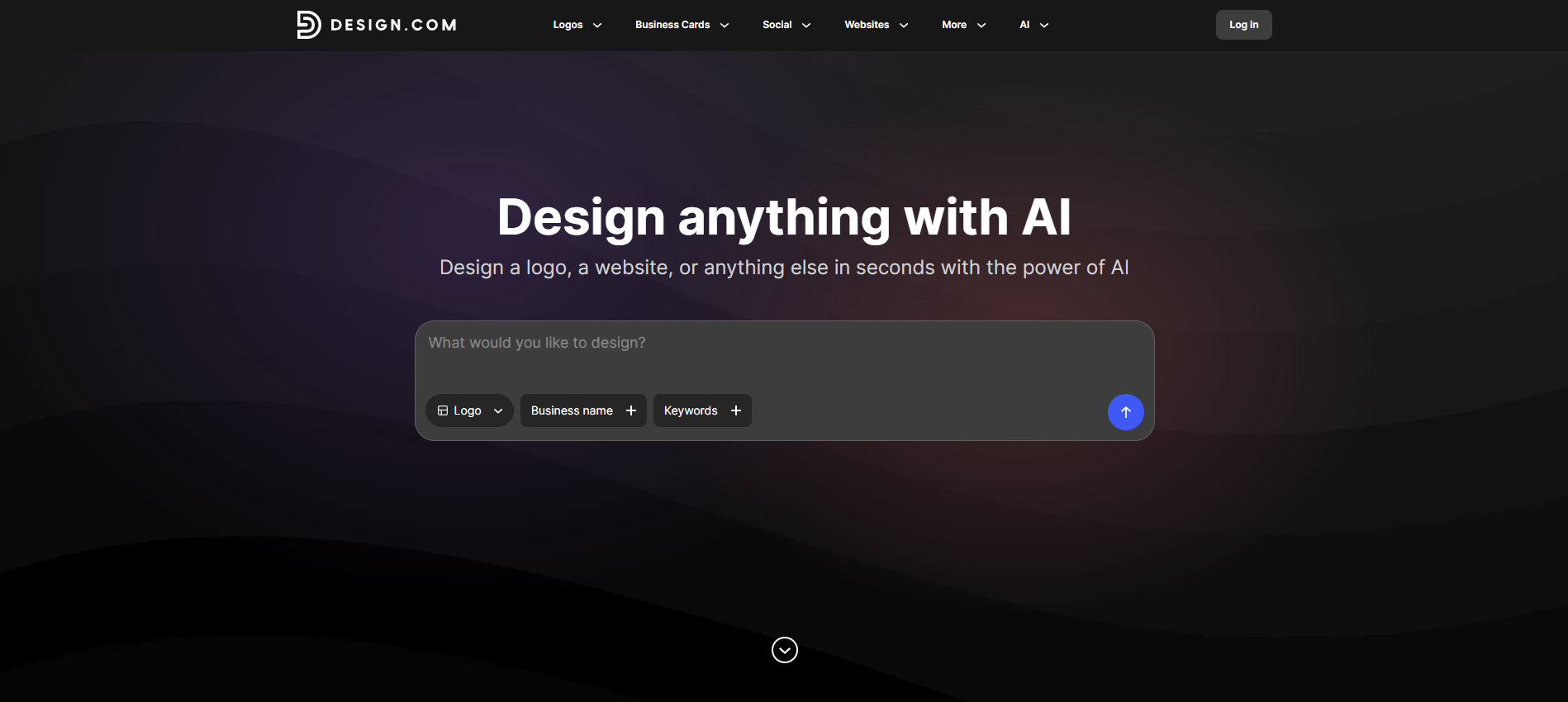
If you're starting a business from scratch, Design.com gives you much more than just a logo. Its AI-powered platform helps you create your logo first, then automatically applies your branding across business cards, social media posts, websites, email signatures, and dozens of other marketing materials.
One of the biggest advantages is its library of 500,000+ professionally designed logo templates, making it easy to find a style that matches your business. You can customize fonts, colors, icons, and layouts in just a few clicks, even if you've never designed a logo before.
Highlights
Pricing
Design.com offers three affordable subscription plans, making it accessible for businesses at every stage. All plans include high-resolution and vector logo files.
- Free – $0/month. Create and download a free logo, plus access to the free Website Builder, Link in Bio Creator, and Digital Business Card Maker. You can also publish these assets for free and explore 50+ AI-powered design tools.
- Starter – From $3/month (billed annually) or $9/month. Unlimited logo edits, access to 631,000+ design templates, business cards, social media posts, email signatures, letterheads, and 50+ branding tools.
- Value – From $4/month (billed annually) or $14/month. Includes everything in Starter, plus access to the AI Website Builder, making it easy to launch a branded website alongside your logo.
- Premium – From $5/month (billed annually) or $19/month. Includes everything in Value, plus the Link in Bio Creator and Digital Business Card Maker, giving you everything you need to build and promote your brand from one platform.
With every plan, you get access to Design.com's growing suite of AI-powered branding tools, making it easy to create everything from logos and websites to business cards, social media graphics, presentations, and more—all from a single platform.
To test, we asked Design.com’s tool to generate logos for a made-up business salon called Beauty Boutique, and here are some of the amazing results we got:
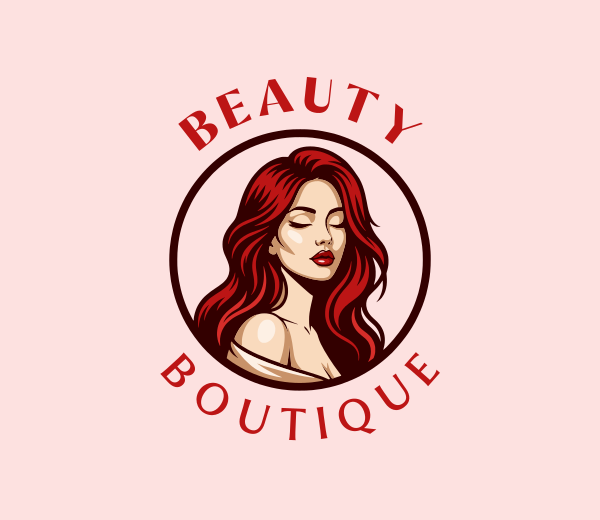
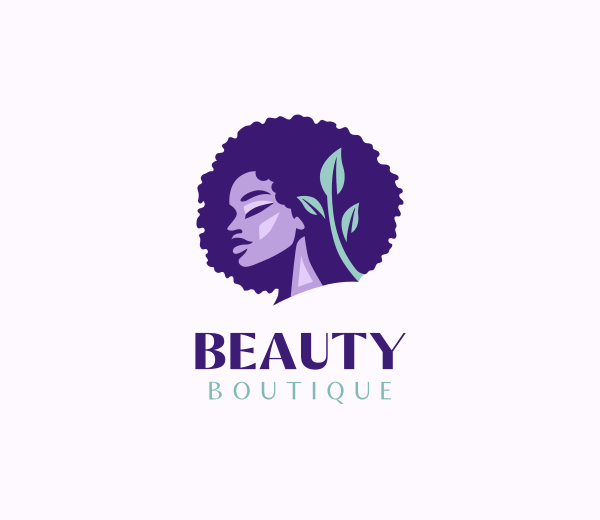
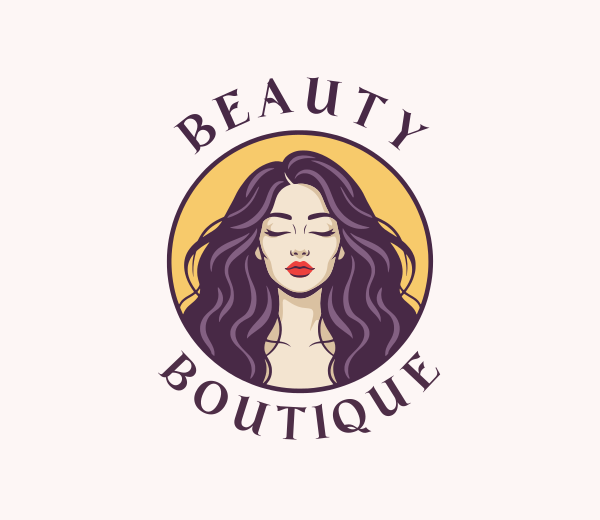
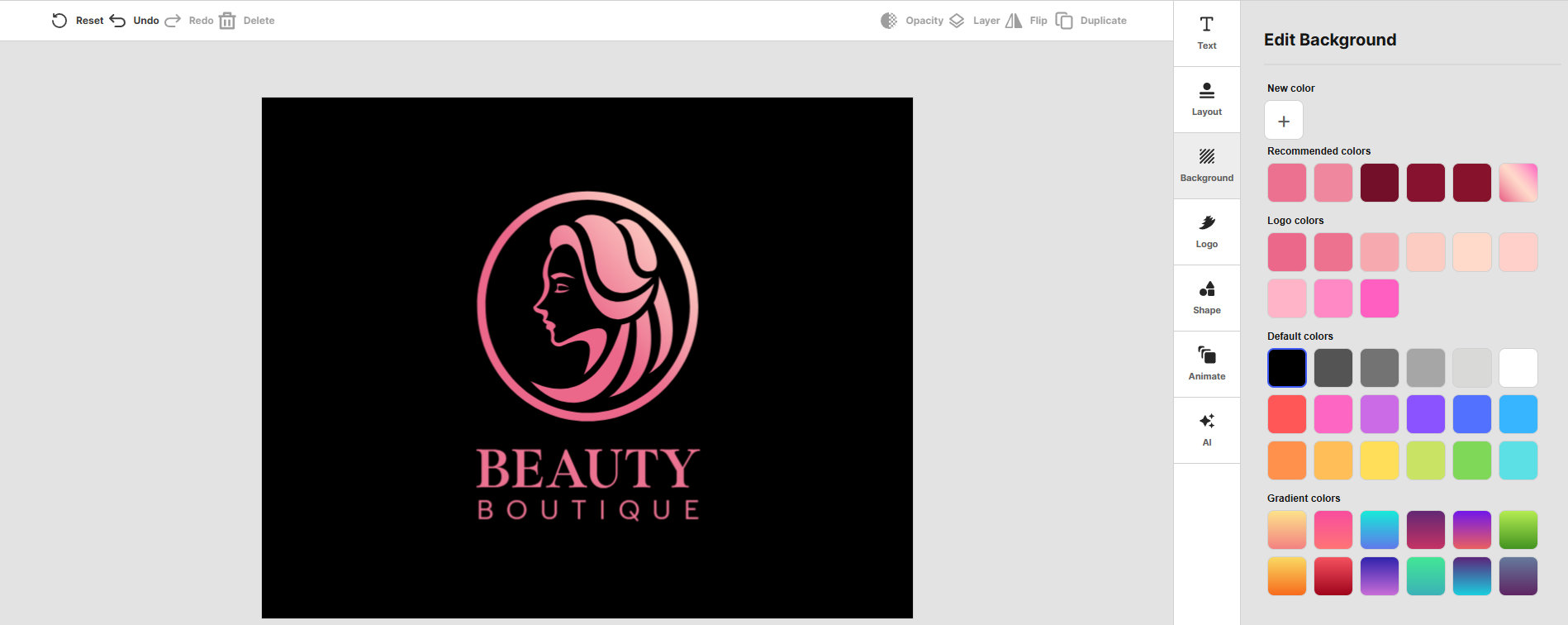
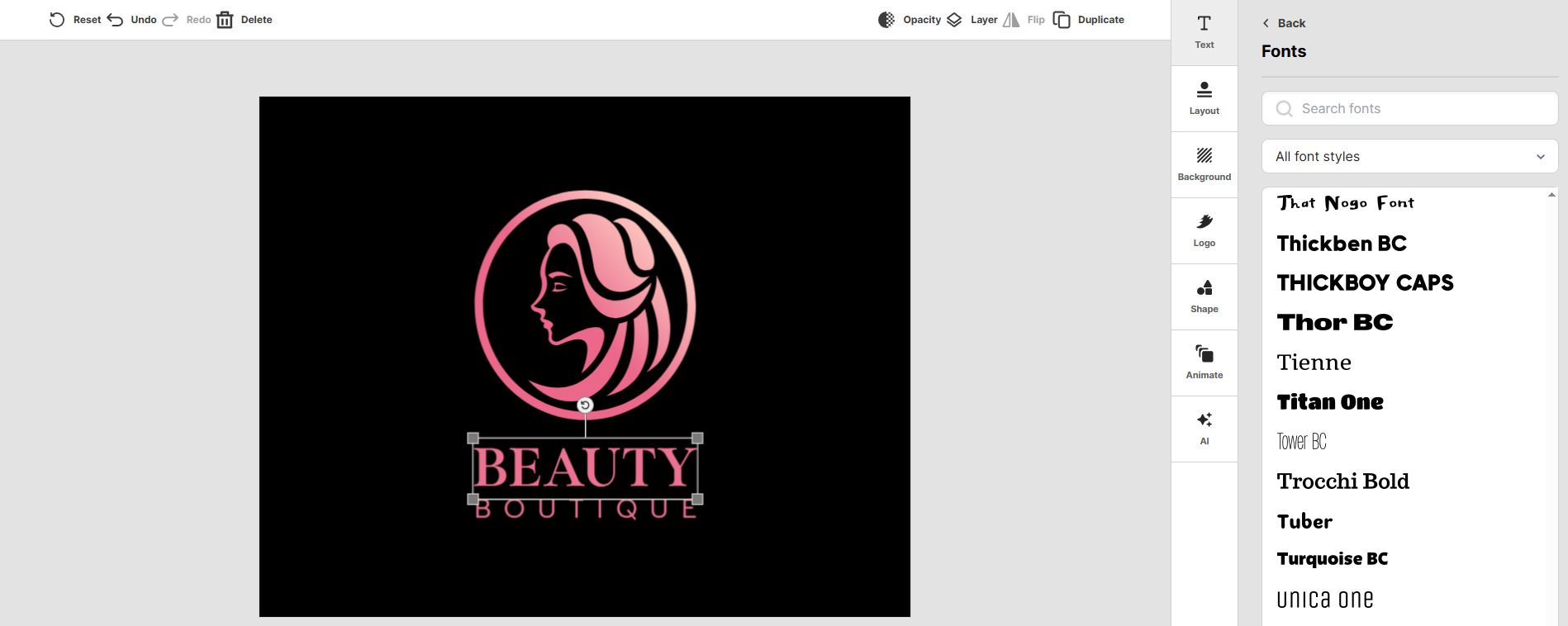
After choosing a template, we can easily customize the:
Colors
Fonts
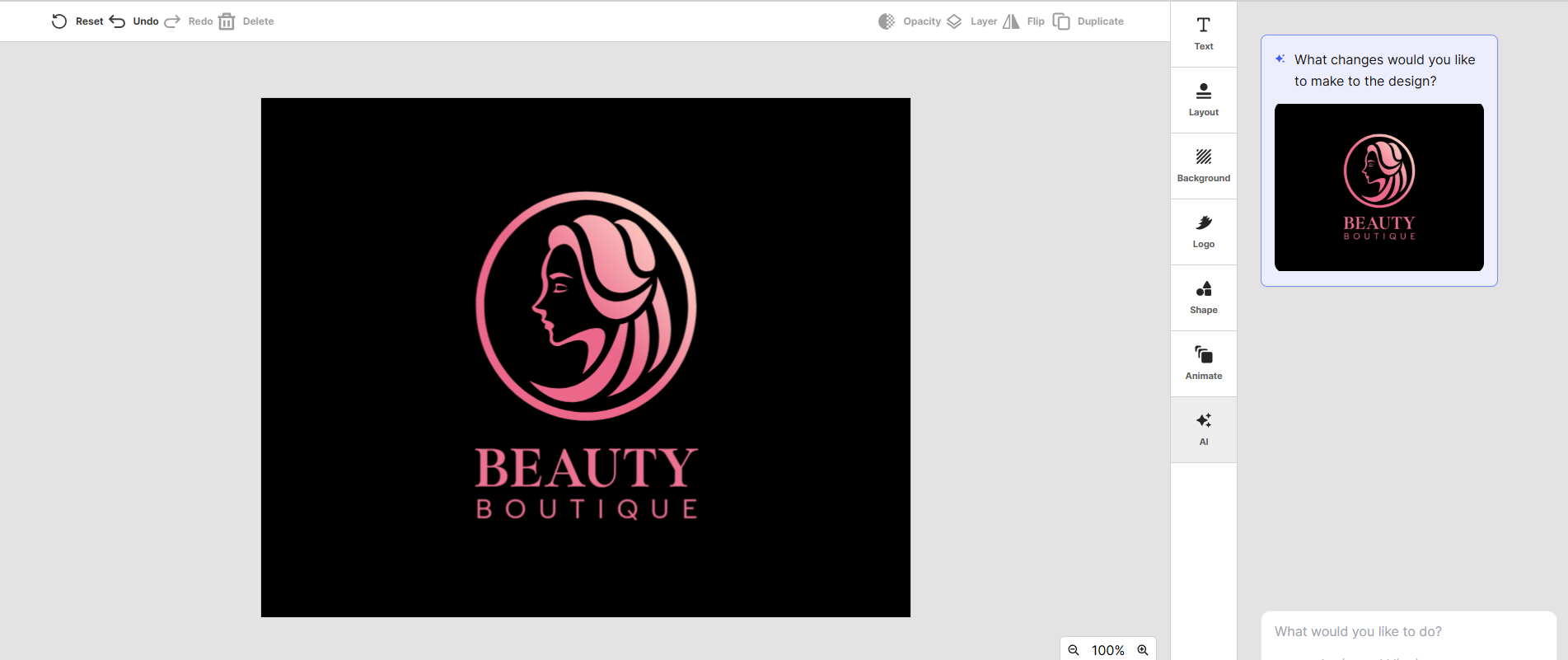
And instead of doing it all manually, we can talk to its AI chatbot and make it do the work for us!
2. BrandCrowd
Best for Fast Logo Customization
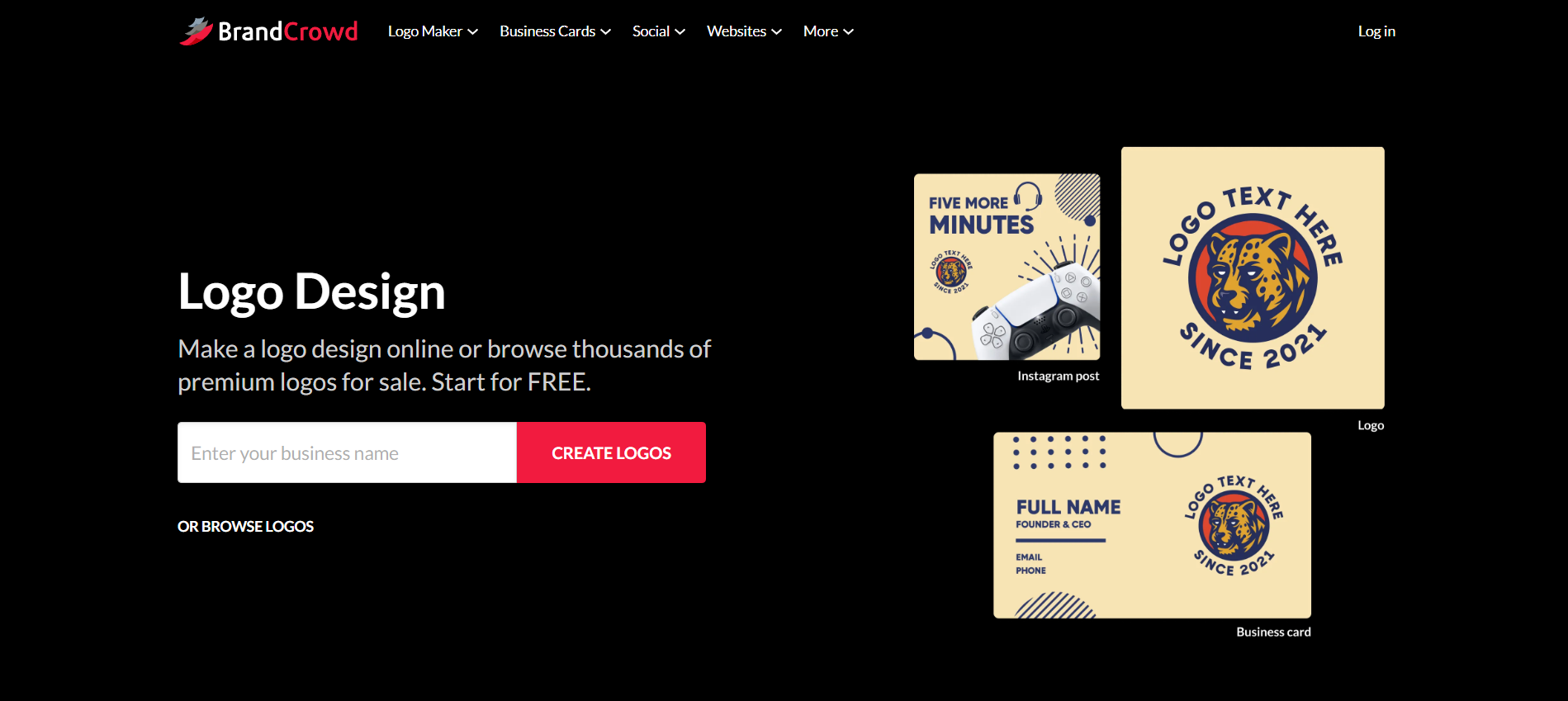
BrandCrowd makes it easy to create a professional-looking logo without having to start from scratch. With a library of 380,000+ professionally designed logo templates, you can generate hundreds of logo ideas simply by entering your business name. From there, it's easy to customize fonts, colors, icons, and layouts until you find a design that feels right for your brand.
Beyond logo creation, BrandCrowd also gives you access to over 170,000 premium business card templates and thousands of customizable templates for social media, email signatures, letterheads, flyers, posters, and more.
It's a great choice for small businesses that want to create consistent branding across multiple marketing channels without juggling different design tools.
Highlights
- Large logo template library
- Easy customization tools
- Brand kit downloads
- Social media templates
- Business card designs
Pricing
BrandCrowd also offers a free option, allowing you to explore logo designs before deciding whether to upgrade to a paid plan. All plans, whether free or paid, give you access to high-resolution downloads.
- Free – $0/month. Create and preview logo designs for free, experiment with different fonts, colors, and layouts, and explore BrandCrowd's logo library before purchasing or subscribing.
- Starter – From $3/month (billed annually) or $9/month. Unlimited logo edits, access to 618,000+ design templates, business cards, social media posts, email signatures, letterheads, and 50+ branding tools.
- Value – From $4/month (billed annually) or $14/month. Includes everything in Starter, plus access to the Website Builder, making it easy to create a branded website alongside your logo.
- Premium – From $5/month (billed annually) or $19/month. Includes everything in Value, plus the Link in Bio Creator and Digital Business Card Maker to help you promote your business across multiple channels.
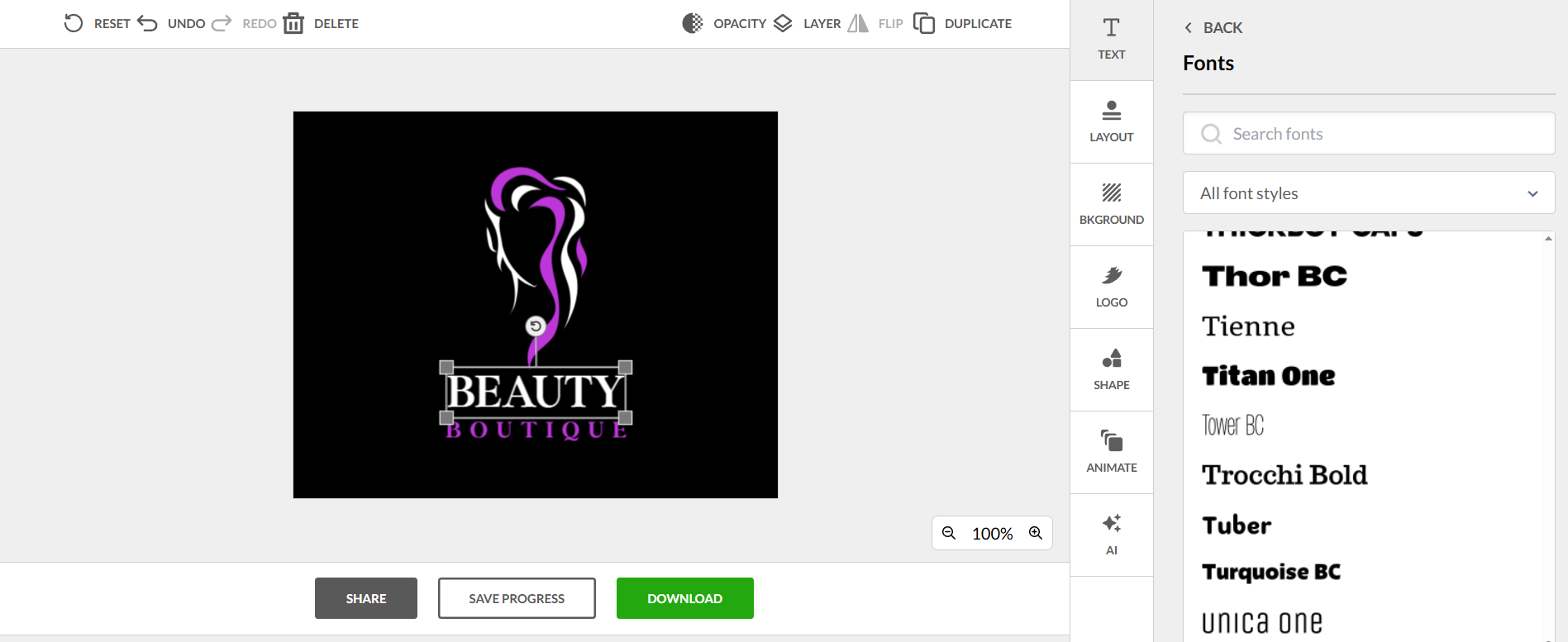
To test BrandCrowd, we used the same business name, and here are the results we got:
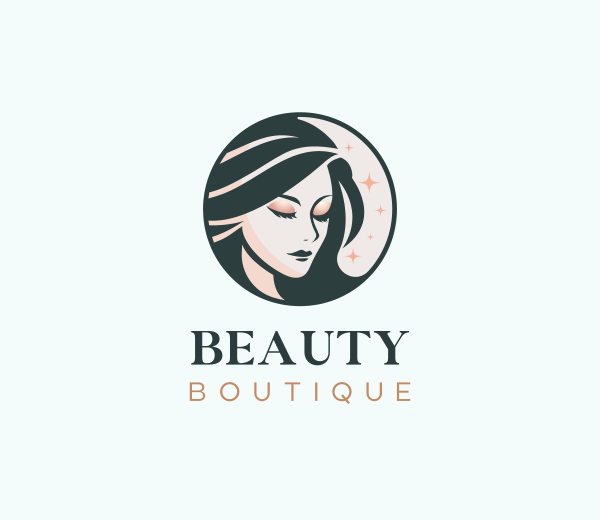
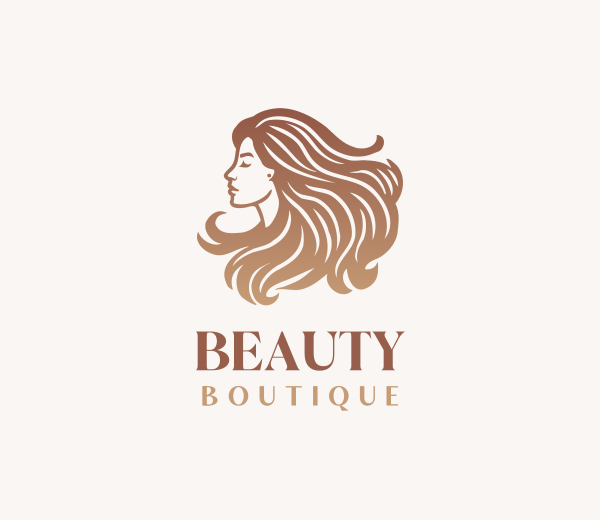
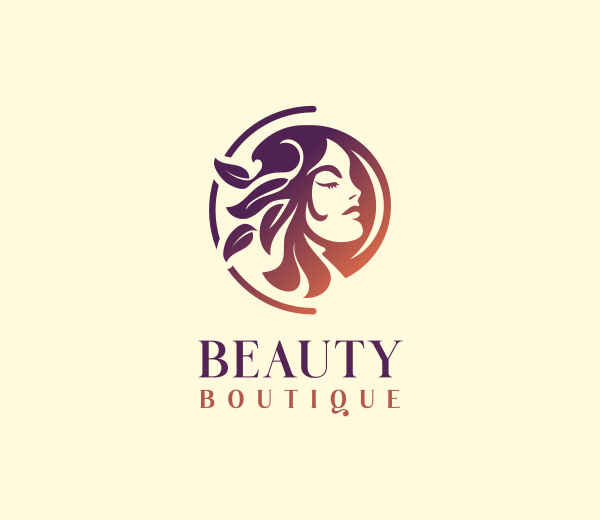
Our favorite part is that we can completely change the logo and text colors to better fit our branding.
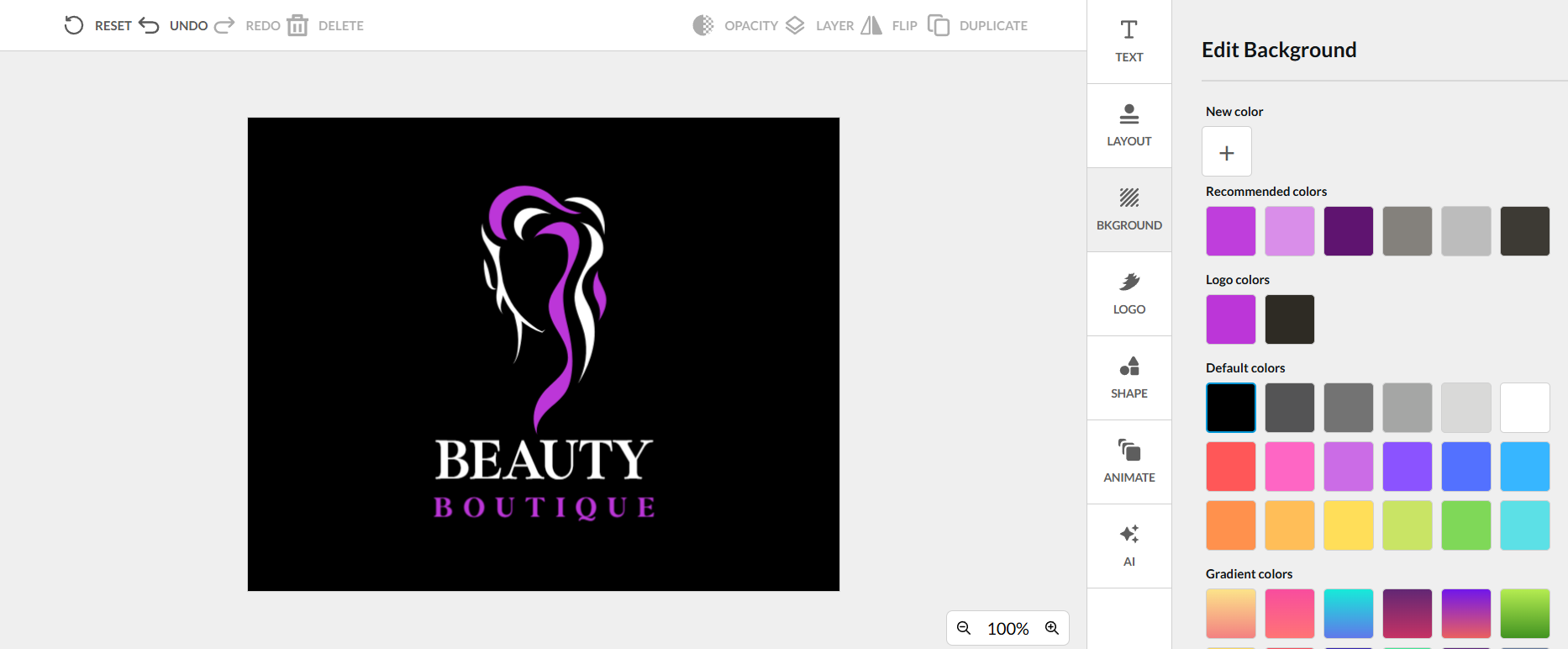
Aside from that, they also have plenty of fonts to choose from, so feel free to experiment with which font best suits your needs.
3. Wix Logo Maker
Best for Businesses Building a Website
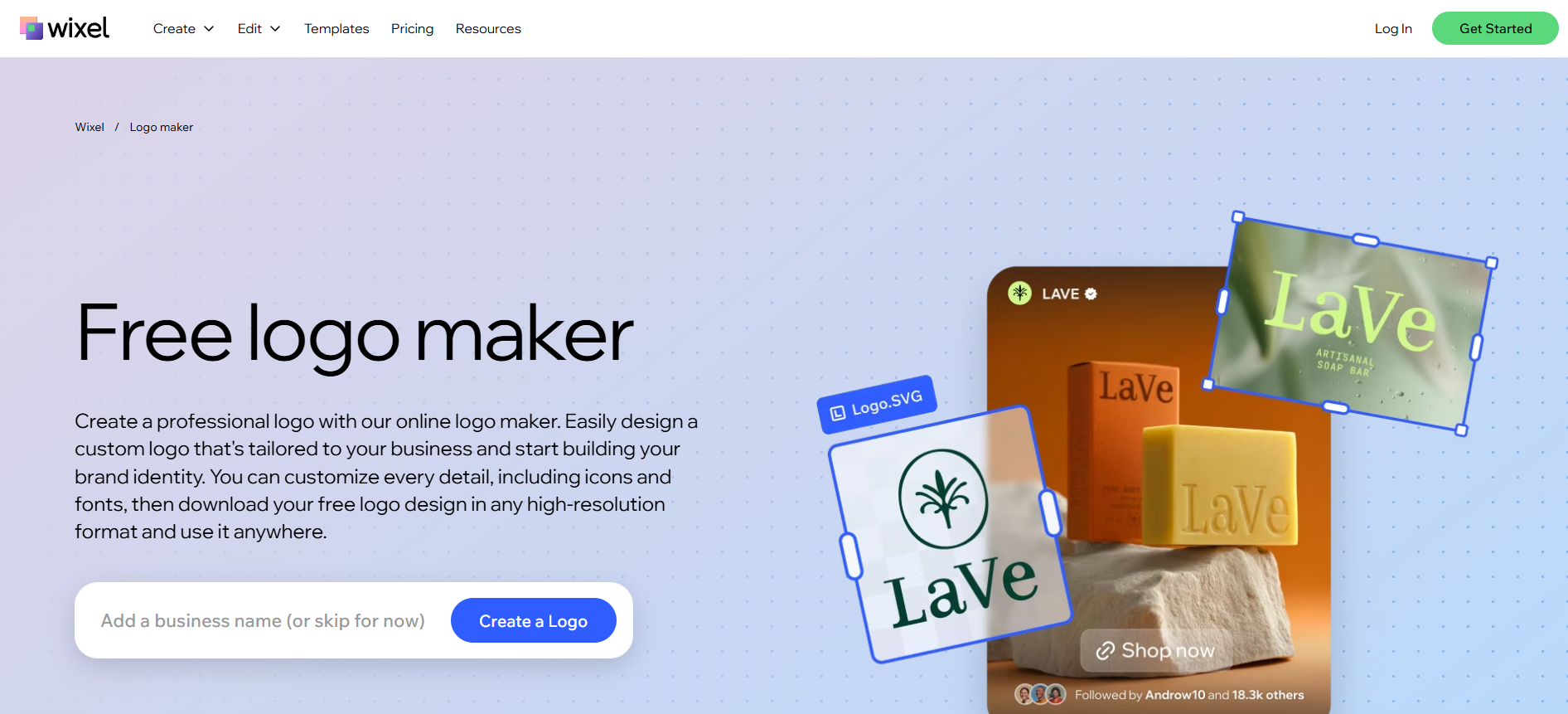
If you're already planning to build your website with Wix, its Logo Maker fits naturally into the process. After answering a few questions about your business, the AI generates logo concepts based on your preferred style.
While customization options aren't as extensive as dedicated logo platforms, it's a convenient option if you want your website and branding managed in one place.
Highlights
- AI-generated logo suggestions
- Easy editor
- Website integration
- Brand assets
Pricing
Wix Logo Maker lets you design and customize your logo for free. You only pay when you're ready to download high-resolution logo files or purchase a branding package.
- Free – Create and customize unlimited logo designs at no cost. You can experiment with different colors, fonts, icons, and layouts before deciding to purchase.
- Basic Logo Package – From $49.20 (one-time purchase). Includes high-resolution logo files for digital use, along with standard commercial usage rights.
- Advanced Logo Package – From $99.00 (one-time purchase). Includes everything in the Basic package, plus vector logo files (SVG), social media logo files, printable assets, and a complete brand kit for use across multiple platforms.
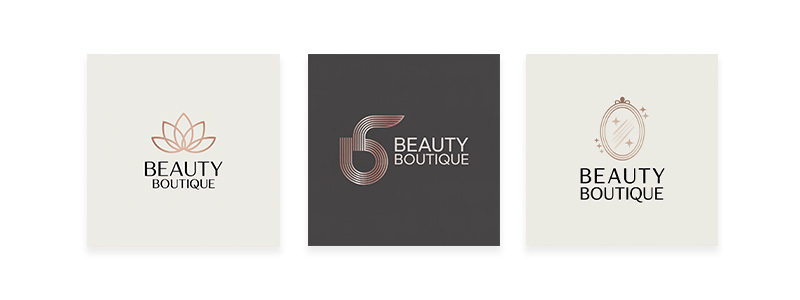
See it in action below:
4. Shopify Logo Maker
Best Free Logo Design Tool
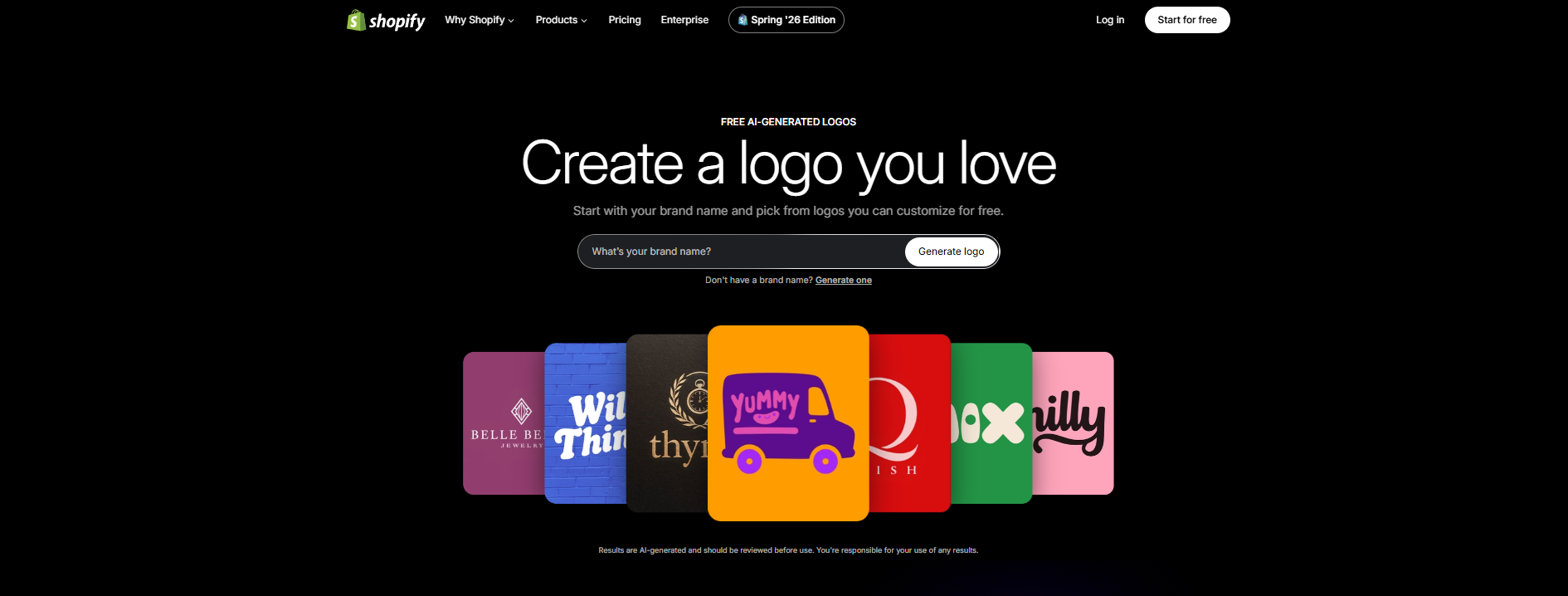
If you're working with a limited budget, Shopify's logo maker is a great place to start. It's completely free and lets you generate logo ideas based on your industry and design preferences.
Although customization is more limited than paid tools, it's an excellent option for new businesses that need a simple logo without spending money.
Highlights
- Completely free
- Beginner-friendly
- Industry-based templates
- Quick downloads
Pricing
One of Shopify's biggest advantages is that it's completely free to use. Unlike many logo makers, there are no subscription plans required to create, customize, or download your logo:
- Free – $0. Create unlimited logo designs using AI-generated templates, customize colors, fonts, icons, and layouts, then download your logo in high-resolution PNG format. Shopify also provides versions optimized for social media profiles, websites, and merchandise, making it easy to start using your logo right away.
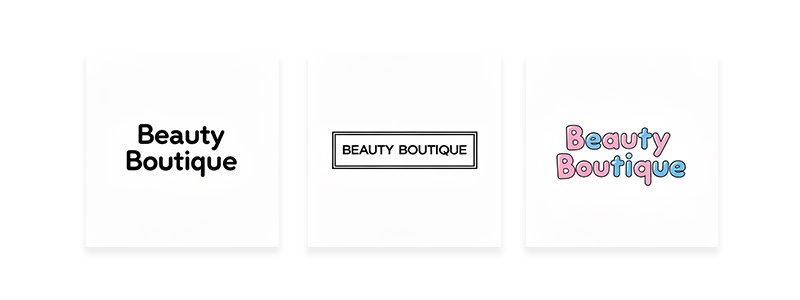
See it in action below:
5. Adobe Express
Best for Businesses Creating Marketing Content
Adobe Express combines logo creation with a wide range of graphic design tools. While its logo generator isn't as advanced as dedicated logo makers, it's useful if you also need to create flyers, social media graphics, presentations, and promotional materials.
It's a solid choice for businesses that want one platform for everyday marketing design.
Highlights
- AI Logo Generator
- Social media templates
- Flyers and posters
- Brand Kit
- AI image tools
Pricing
Adobe Express offers both a free plan and a premium subscription, making it a good option for businesses that want to create logos and other marketing materials.
- Free – $0/month. Includes access to 100,000+ templates, 1 million+ royalty-free Adobe Stock assets, 4,000+ Adobe Fonts, standard photo and video editing tools, 5GB of cloud storage, and basic logo creation features.
- Premium – From $9.99/month. Unlocks premium templates and assets, advanced AI features powered by Adobe Firefly, Brand Kits, generative AI credits, premium fonts, enhanced collaboration tools, and additional content scheduling and editing capabilities.
See it in action below:
Prefer Working With a Professional Designer?
Not every small business owner wants to create a logo themselves. If you'd rather work with real designers and choose from multiple custom concepts, DesignCrowd is another option worth considering.
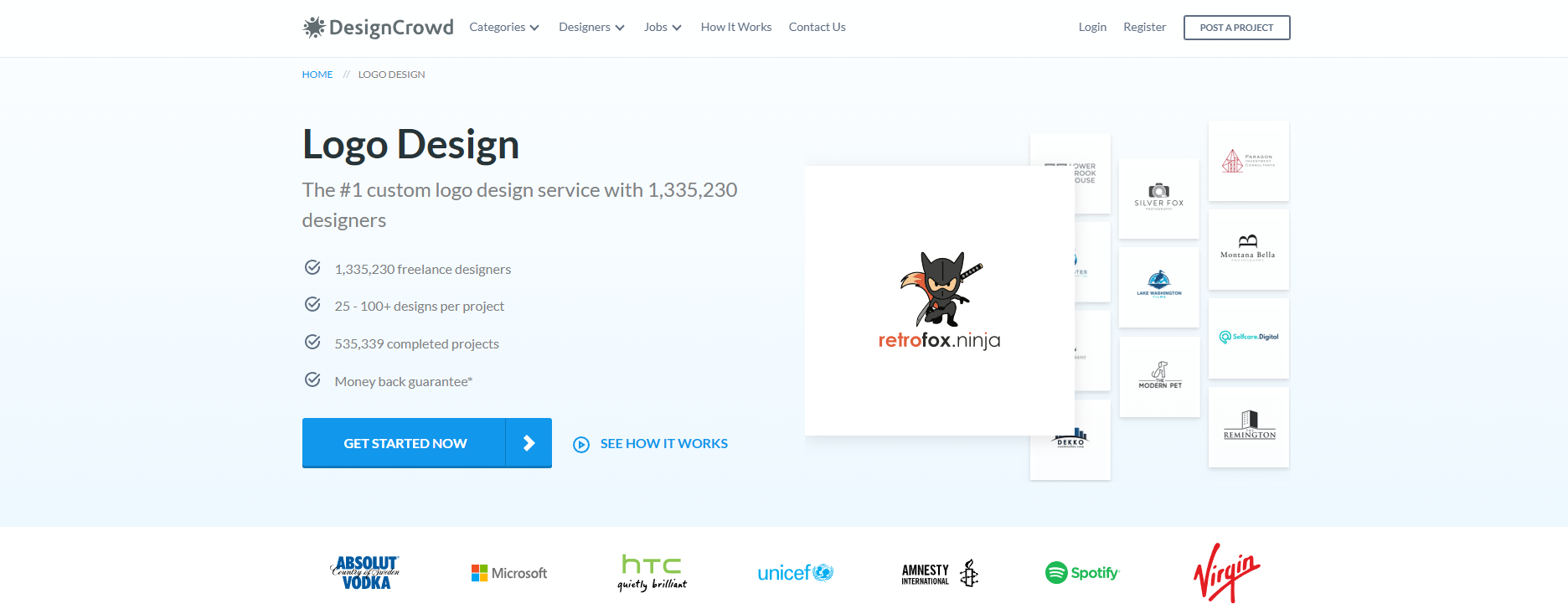
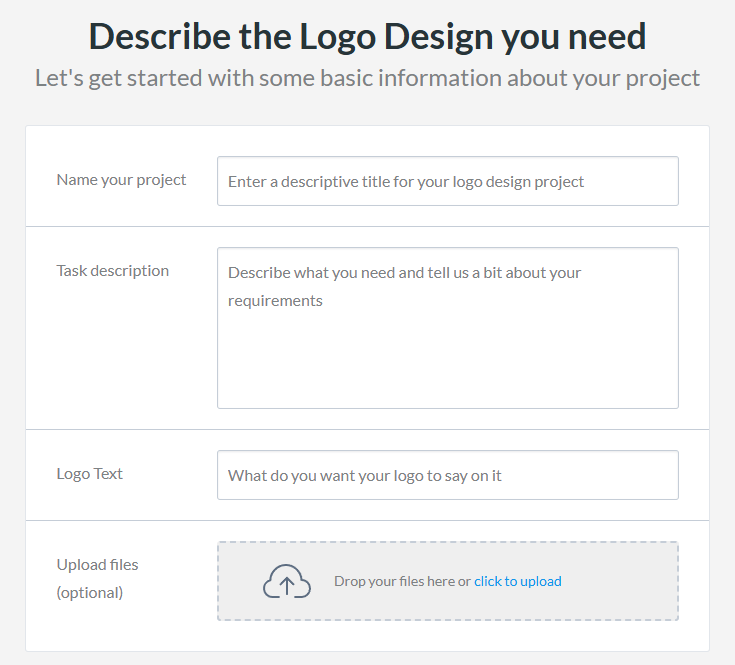
Instead of using AI to generate logo ideas, DesignCrowd works through a crowdsourcing model. You start by creating a design brief that explains your business, style preferences, colors, and any ideas you already have. Once your project goes live, designers from around the world submit their logo concepts for you to review.
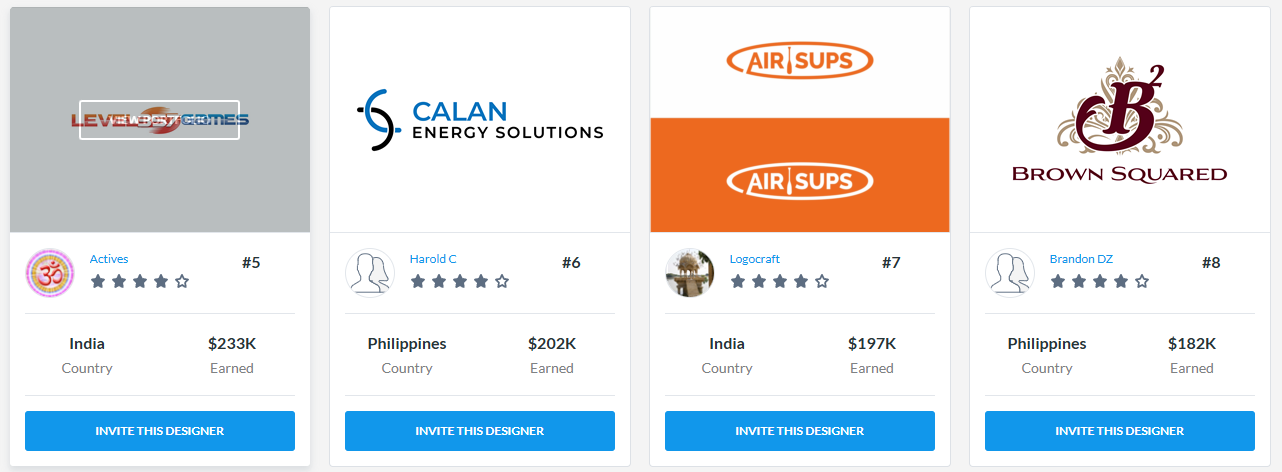
One of the biggest advantages is variety. Rather than receiving a single AI-generated result, you can compare dozens of unique logo designs from different designers, provide feedback, and request revisions before choosing your favorite.
See sample designs below:
Best For
- Businesses looking for completely custom logo concepts
- Entrepreneurs who want input from professional designers
- Companies with specific branding requirements
- Businesses that prefer reviewing multiple creative ideas before making a decision
Pricing
Unlike AI logo makers that charge a monthly subscription, DesignCrowd uses a project-based pricing model. The total cost depends on your project budget and any optional upgrades you choose.
- Posting Fee – Up to US$129. This one-time fee covers the cost of posting your design project to the DesignCrowd marketplace.
- Transaction Fee – 4% of your project value, charged when your project is completed.
- Project Budget – You decide how much to offer designers. Higher budgets generally attract more designers and increase the number of logo concepts you receive. For projects of US$200 or more, a 20% Project Management Fee applies.
- Optional Upgrades – Additional features, such as private projects, NDA protection, or priority promotion, are available for an extra fee.
Since you set your own project budget, DesignCrowd offers flexibility for businesses of different sizes. If you're looking for original logo concepts from professional designers rather than AI-generated designs, it can be a worthwhile investment for creating a unique brand identity.
Common Mistakes Small Businesses Make When Choosing a Logo Maker
Choosing a logo maker isn't just about finding the cheapest option. The right platform should fit your business today while giving you room to grow tomorrow. Here are a few common mistakes to avoid.
Choosing based on price alone
Free logo makers are a great starting point, but they don't always include the file formats or branding tools you'll need later. Before making a decision, think about what you'll need as your business grows.
Ignoring commercial usage rights
Before downloading your logo, make sure you understand what's included. Check whether you can use the logo for your website, products, packaging, and marketing materials without restrictions.
Forgetting about future branding
Your logo is just the beginning. As your business grows, you'll likely need business cards, social media graphics, presentations, flyers, and maybe even a website. Choosing a platform that offers these tools can save you time and money.
Picking a logo that's too trendy
Design trends come and go. Instead of chasing what's popular today, choose a logo that reflects your business and will still look professional years from now.
Before You Choose a Logo Design Tool
Not every business needs the same features. Before you subscribe to any platform, ask yourself these questions.
Do I only need a logo?
If yes, a simple logo maker like Shopify's logo maker or Wix might be enough.
Will I need more branding later?
Most businesses eventually need:
- business cards
- social media graphics
- email signatures
- websites
- presentations
Choosing a platform that includes these tools can save both time and money.
Do I want AI or a human designer?
AI logo makers are fast and affordable.
Crowdsourcing platforms like DesignCrowd provide original concepts from professional designers, but usually cost more.
Can I edit my logo later?
Look for tools that include:
- vector files
- unlimited edits
- commercial rights
- high-resolution downloads
Conclusion
Choosing the right logo design tool comes down to how you want to build your brand. If you're looking for a fast and affordable way to create a professional logo yourself, AI-powered tools are a great place to start. On the other hand, if you'd rather work with professional designers and receive custom logo concepts, a crowdsourcing platform like DesignCrowd may be the better fit.
Whichever option you choose, investing in a well-designed logo is one of the first steps toward building a memorable brand. Take the time to explore your options, find a style that reflects your business, and create a logo that you'll be proud to grow with.
Written by DesignCrowd on Friday, September 4, 2026
DesignCrowd is an online marketplace providing logo, website, print and graphic design services by providing access to freelance graphic designers and design studios around the world.
