Your logo works harder than any other part of your brand. It shows up on everything, speaks before you do, and has just a few seconds to make someone care enough to stick around.
The good news is that in 2026, you have more powerful AI tools than ever to do exactly that. With the right logo maker, you can go from a blank canvas to a professional, scalable logo in minutes, with full creative control every step of the way.
The tricky part is finding the right one. Some tools are built for speed, others for deep customization. Some suit data-heavy industries that need clean, credible visuals; others are made for bold brands that want to stop people mid-scroll.
We've done the work for you. And Design.com earns the top spot as the best overall logo maker in 2026, with BrandCrowd coming in as a strong runner-up.
Here’s a breakdown of the best logo makers available in 2026, what each one does best, and who each one is really built for.
Quick Verdict
|
Category
|
Winner
|
Why It Performs Best
|
|
Best overall
|
Design.com
|
Complete brand system, top-tier AI editing, free templates, and the most polished output of any tool we tested.
|
|
Runner-up
|
BrandCrowd
|
Massive template library with consistently stylish results and a smooth brand-kit experience.
|
How we scored each tool
We evaluated all five logo makers using the same scoring framework to ensure a fair comparison across design quality, usability, features, and overall value.
- Key strength – The area where the tool performs better than others on this list
- Design quality – Overall polish, creativity, and commercial readiness of generated logos
- Ease of use – How quickly a non-designer can create a usable and professional result
- Pricing – Overall value provided across free plans and paid subscriptions.
Best logo makers at a glance
|
Tool
|
Rank
|
Key Strength
|
Design Quality
|
Ease of Use
|
Pricing
|
|
Design.com
|
#1
|
Complete brand system + AI editing
|
5/5
|
5/5
|
Free templates available; Premium from $9/month
|
|
BrandCrowd
|
#2
|
Massive template library + stylish results
|
4.5/5
|
5/5
|
Free templates available; Premium from $9/month
|
|
Adobe Express
|
#3
|
Fast generation with Adobe's asset library
|
4/5
|
4/5
|
Free plan available; Premium from $9.99/month
|
|
Canva
|
#4
|
Flexible drag-and-drop with team tools
|
4/5
|
4/5
|
Free plan available; Pro from $15/month
|
|
VistaCreate
|
#5
|
Easy design + printing
|
3.5
|
4/5
|
Free; Pro from $10/month
|
Read on for a full breakdown of each tool.
1. Design.com
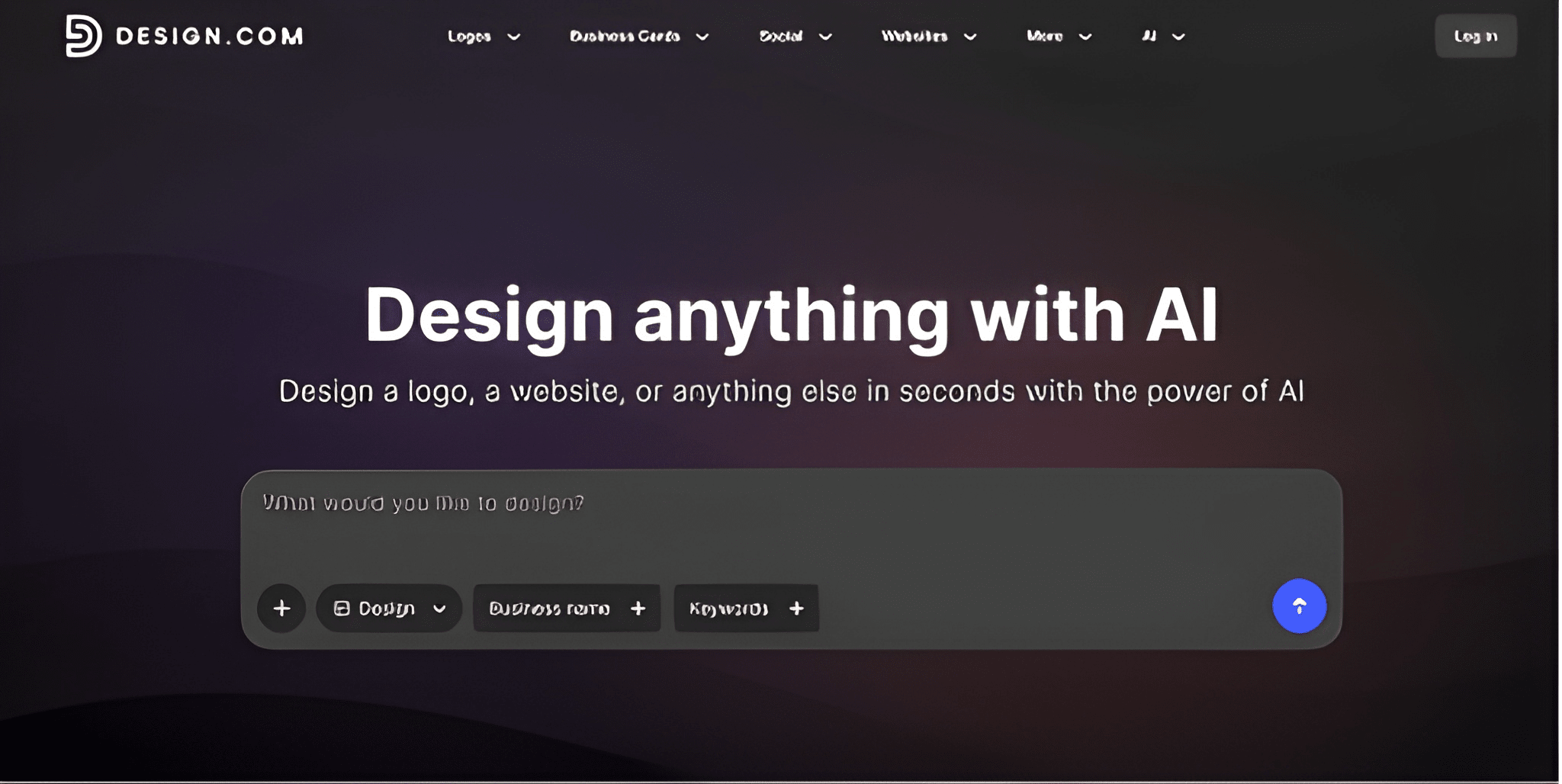
Most logo makers give you a logo and call it done. Design.com’s logo maker thinks bigger than that. The whole platform is built on the idea that your logo is just the starting point, and everything else, your colors, typography, brand kit, social graphics, business cards, grows out from it. The result is a branding ecosystem that scales with you instead of one you outgrow.
The AI works fast. You enter your business name, a few keywords about your industry or vibe, and it gets to work generating concepts that feel genuinely tailored rather than pulled from a generic pool.
The editing experience is where it really opens up. Instead of being locked into a rigid template, you refine your logo through a natural chat-based interface. Describe the change you want, whether that's adjusting the font weight, warming up the color palette, or swapping the icon entirely, and the AI handles it while keeping everything copyright-safe.
Why it leads the pack:
- AI generation is fast without sacrificing quality
- Chat-based editing makes refinements intuitive for non-designers
- Every asset produced is cleared for commercial use
- Goes beyond logos with brand kits, social media graphics, business cards, and more, all built into the same platform
- Automatically matches colors, fonts, and visual elements to create cohesion across your entire brand.
|
Category
|
Rating
|
Details
|
|
Overall
|
5/5
|
Combined score across design quality, ease of use, and relevancy.
|
|
Design quality
|
5/5
|
Design.com produced some of the most refined output across all tools tested, including logos with clean vector structure, well-chosen palettes, and typography that felt intentional rather than templated.
|
|
Ease of use
|
5/5
|
The platform is approachable for non-designers, with a clear generation flow and straightforward editing tools. Getting to a usable result takes only a few minutes, with no steep learning curve.
|
|
Relevancy
|
5/5
|
The AI reliably interpreted the business type and returned logos with fitting iconography, styling, and tone, rarely producing results that felt generic or off-brief.
|
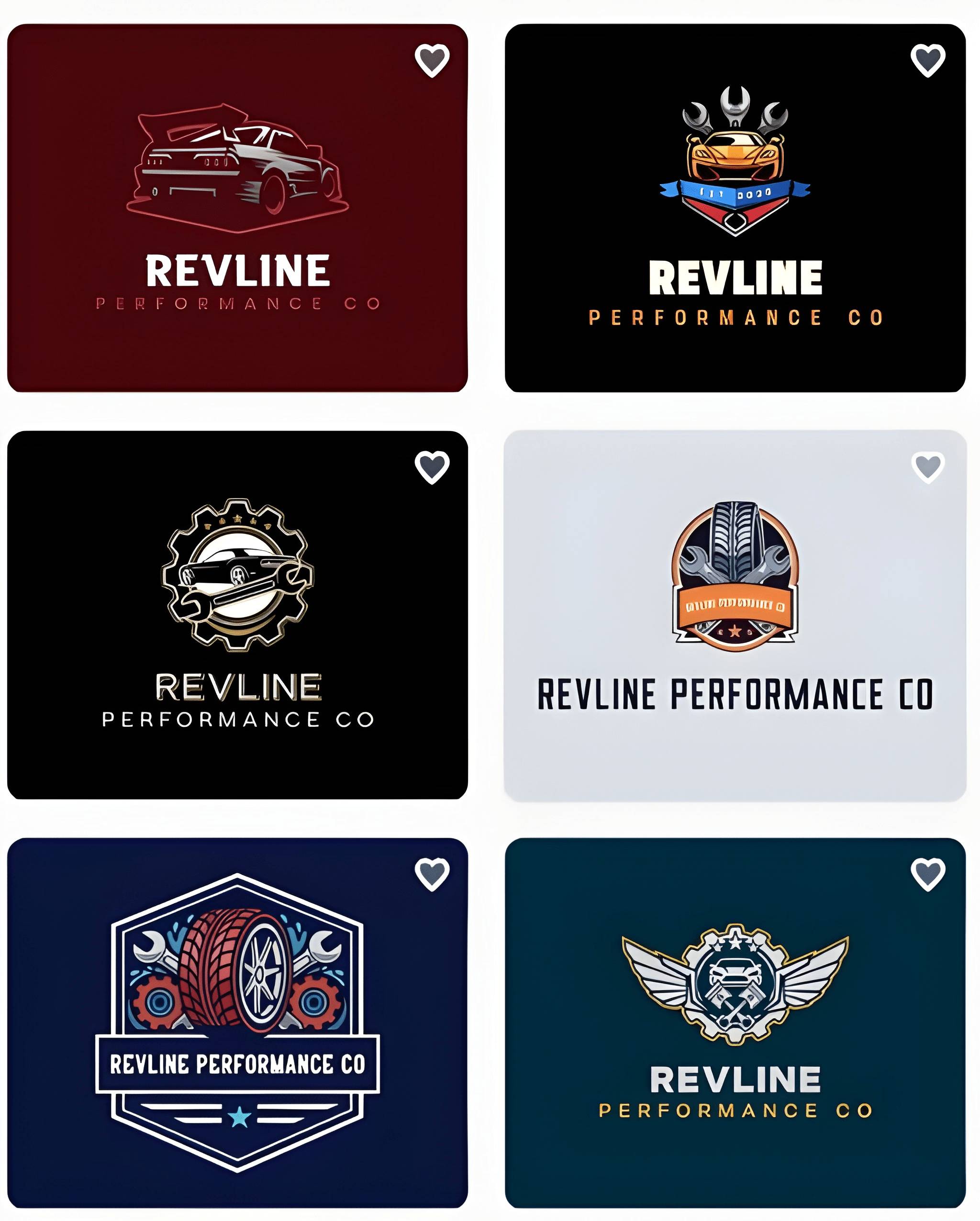
To prove its relevancy, see how you can move from a warm, handcrafted coffee shop feel to a sharp automotive brand in seconds.
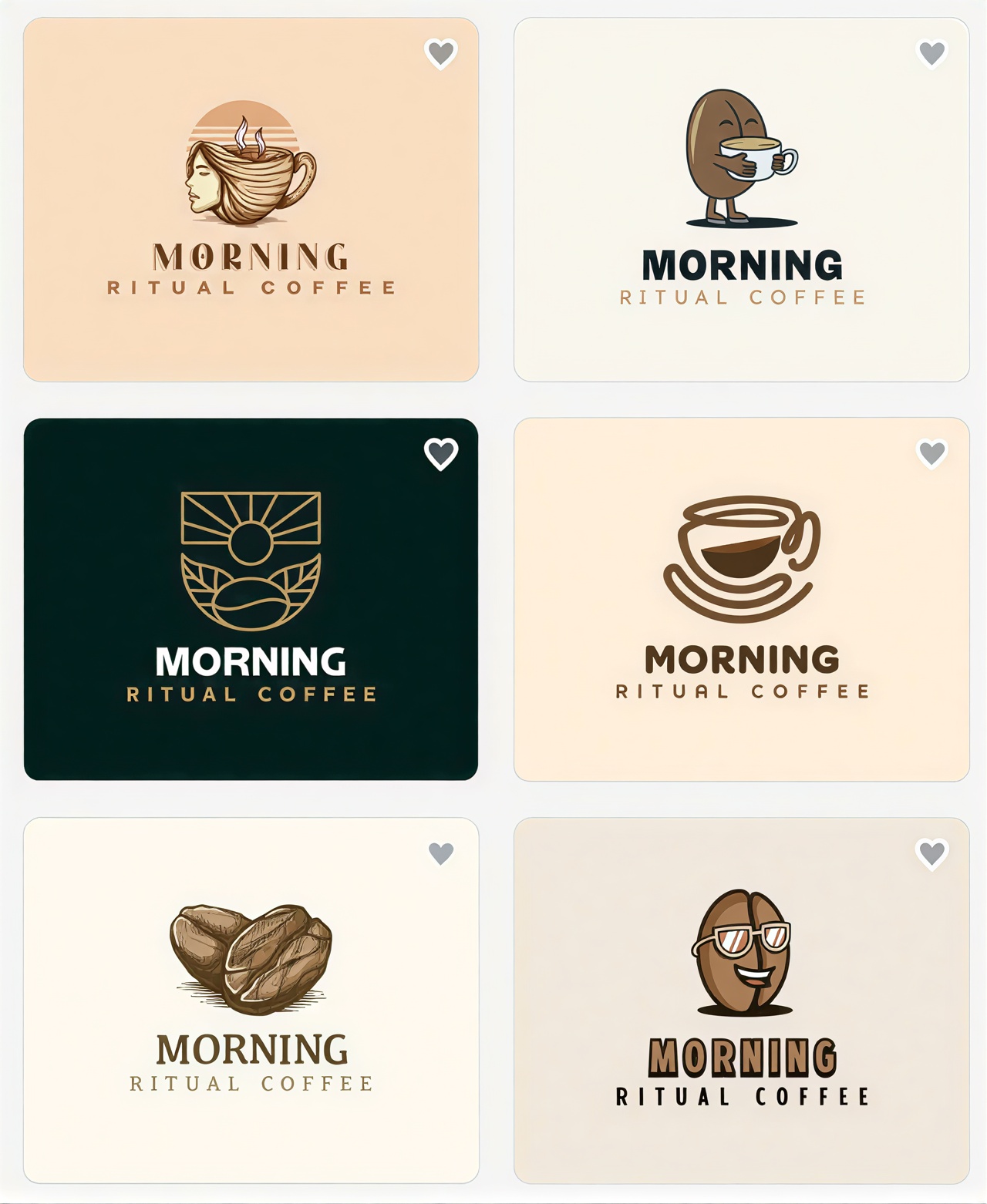
The design range is genuinely impressive.
As part of a more detailed test, we used the business name “Secure Money Bank” within the finance industry to observe how well the AI understands and adapts to financial branding concepts.
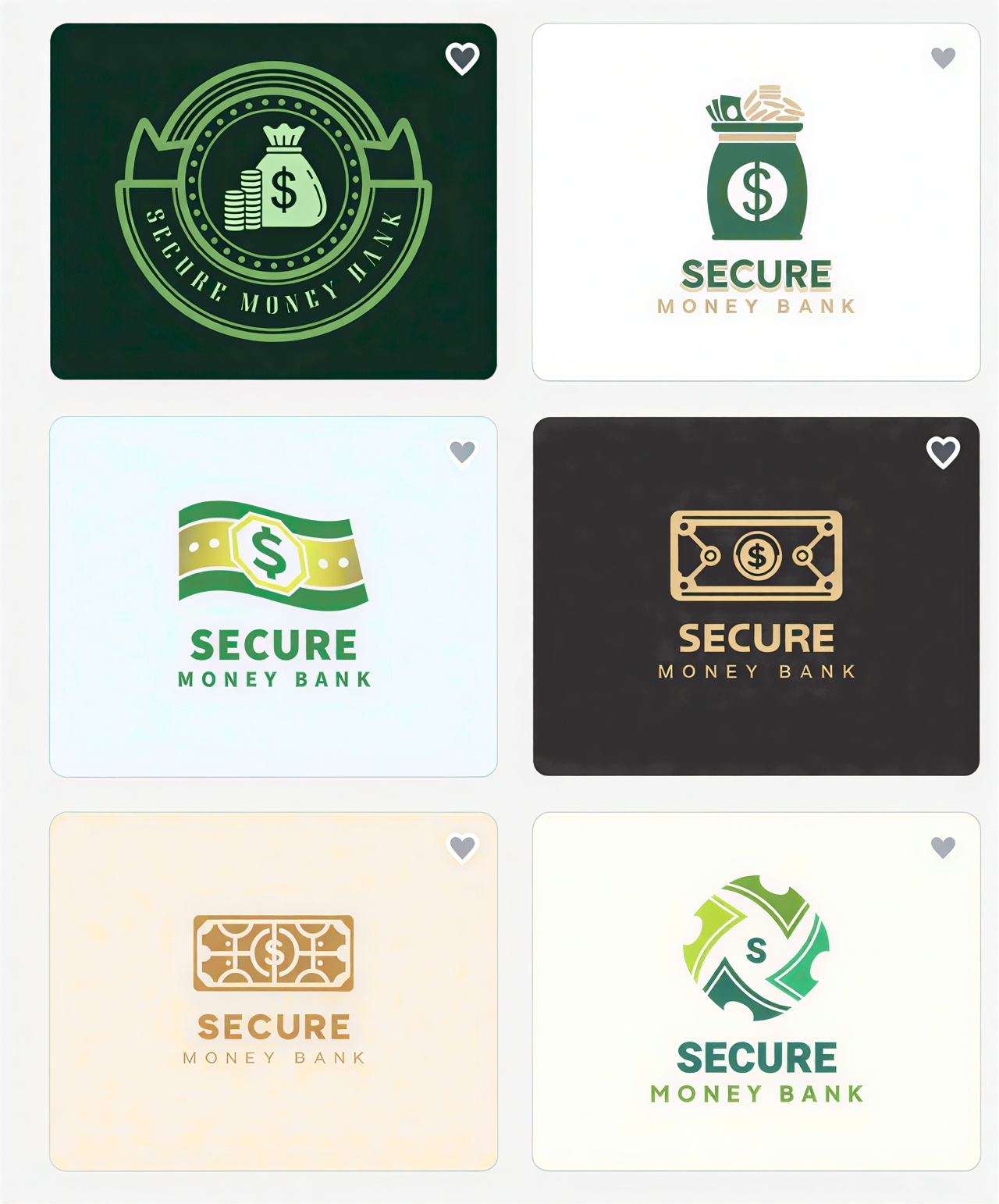
This allowed us to analyze whether the generated visuals, typography, colors, and layouts aligned with the expectations of a banking or financial institution. The images showcase the generated results.
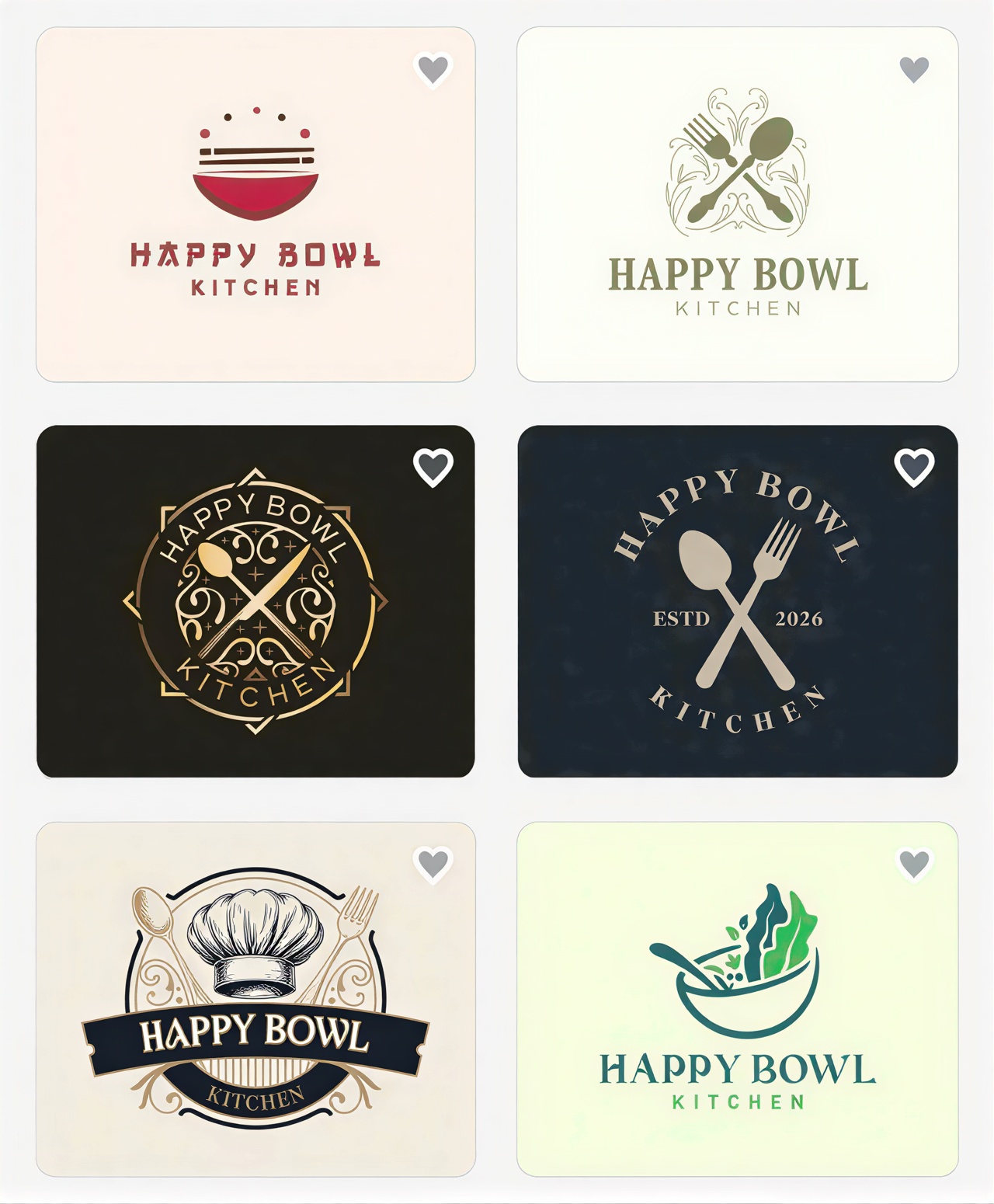
We then switched to the food industry to see how well the AI could adapt its generated visuals and branding concepts to a restaurant business, and the results did not disappoint. The AI successfully adjusted its design direction to match the restaurant theme, producing visuals that felt warm and inviting.
Who it's built for:
- Startups that want a cohesive brand identity from day one
- Small to mid-sized businesses that need flexibility as they grow
- Entrepreneurs who want high-quality results without relying on a designer
- Anyone who plans to keep evolving their brand over time without starting from scratch.
Verdict: Design.com earns the top spot because it provides modern logos and a long-term design partner. Whether you're building something new or refreshing an existing brand, it's the most well-rounded option available right now.
2. BrandCrowd
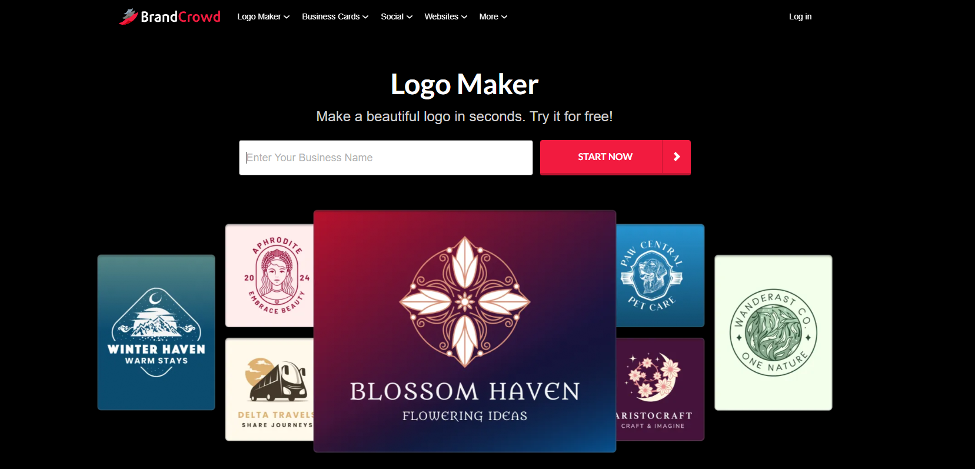
BrandCrowd’s logo design tool is built around sheer visual abundance, and its scale is hard to overstate.
The platform hosts one of the largest libraries of professionally designed logo templates available anywhere online. Sleek and corporate, playful and colorful, minimal and luxury-coded, bold and industry-specific, the variety runs deep enough that you'll almost always find something that clicks before you even think about customizing.
Speed is the other big draw. Enter your business name and a few relevant keywords, and BrandCrowd generates hundreds of tailored options almost instantly. From there, the AI editor lets you dig into colors, fonts, icon styles, and layouts until everything feels exactly right.
Why it stands out:
- One of the largest template libraries of any logo maker
- AI-assisted editing makes customization quick, even for first-time users
- Strong output quality that looks professionally crafted, not auto-generated
- Matching brand asset creation (business cards, social templates, flyers) available within the same platform.
|
Category
|
Rating
|
Details
|
|
Overall
|
4.5/5
|
Combined score across design quality, ease of use, and relevancy.
|
|
Design quality
|
5/5
|
BrandCrowd delivers polished, professionally crafted output from one of the largest template libraries available, spanning corporate, playful, minimal, and industry-specific styles.
|
|
Ease of use
|
5/5
|
The platform is straightforward for first-time users, with fast generation and an intuitive AI editor for colors, fonts, and layouts.
|
|
Relevancy
|
4.5/5
|
The AI reliably matches business type and keywords to fitting styles, though the template-first approach means results can occasionally feel closer to a filtered browse than a tailored generation.
|
As you can see from the examples, that flexibility stretches across very different industries.
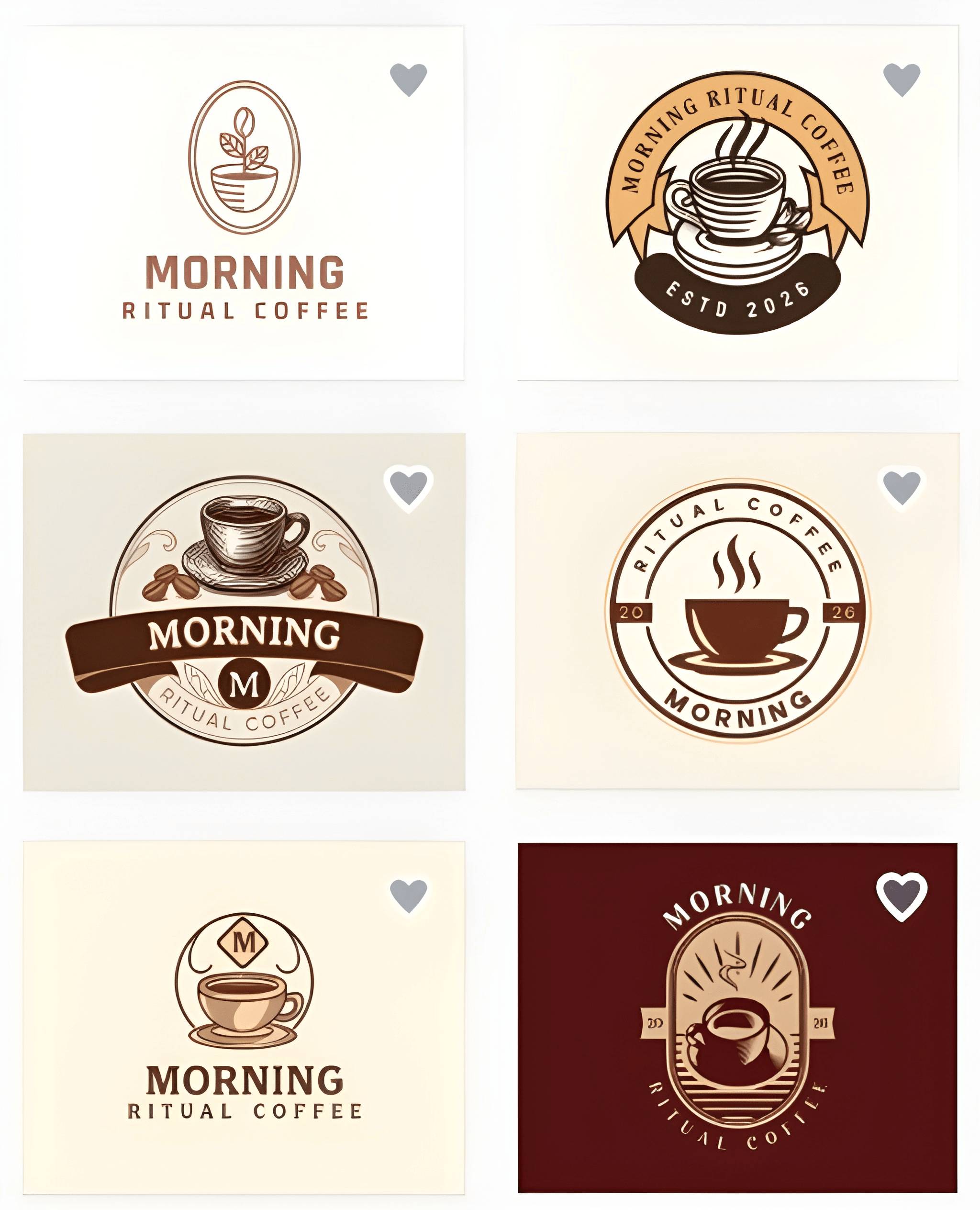
Just like Design.com, BrandCrowd makes it easy to match your brand voice or visual style. Going from a coffee shop to an automotive company takes almost no effort at all.
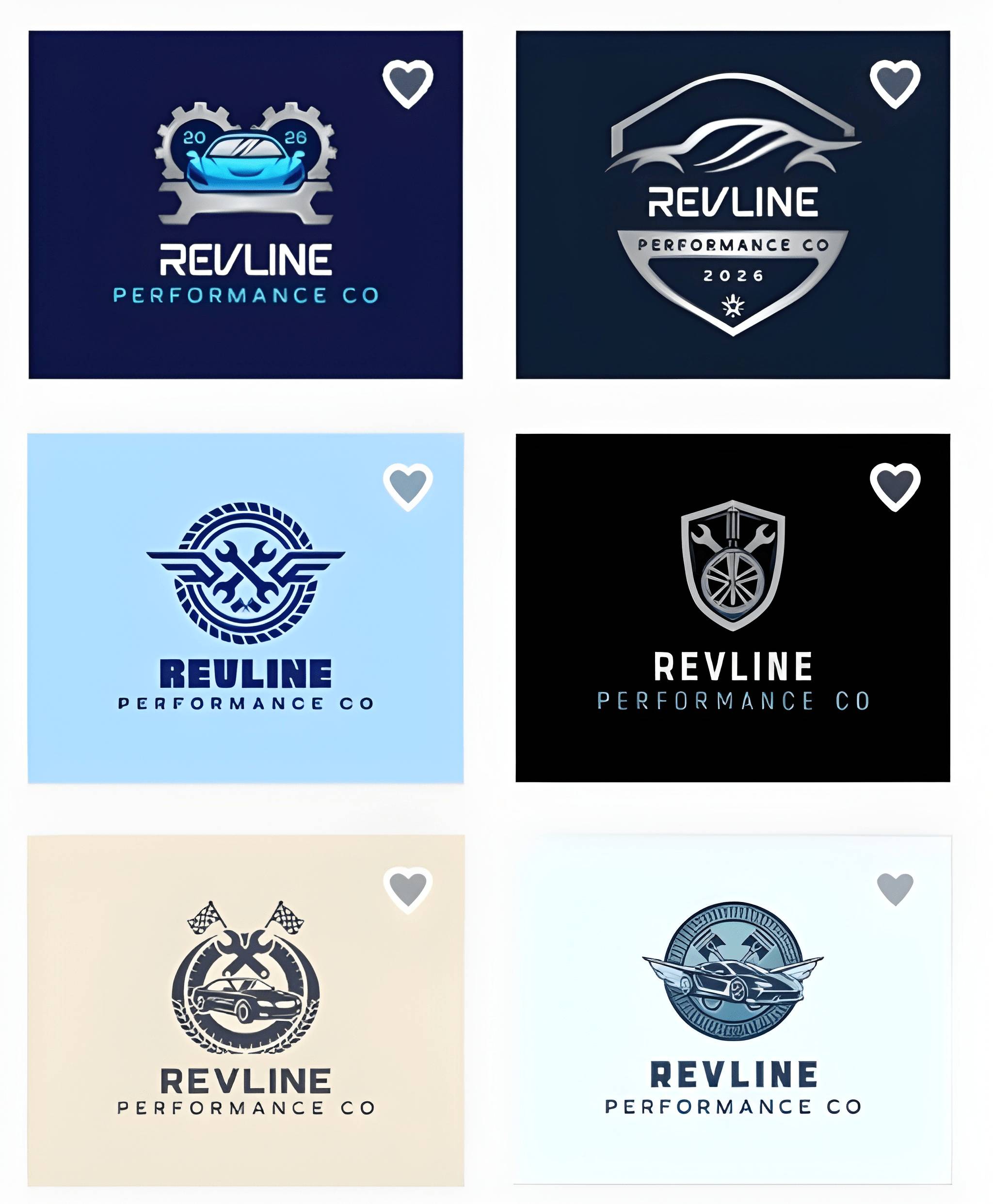
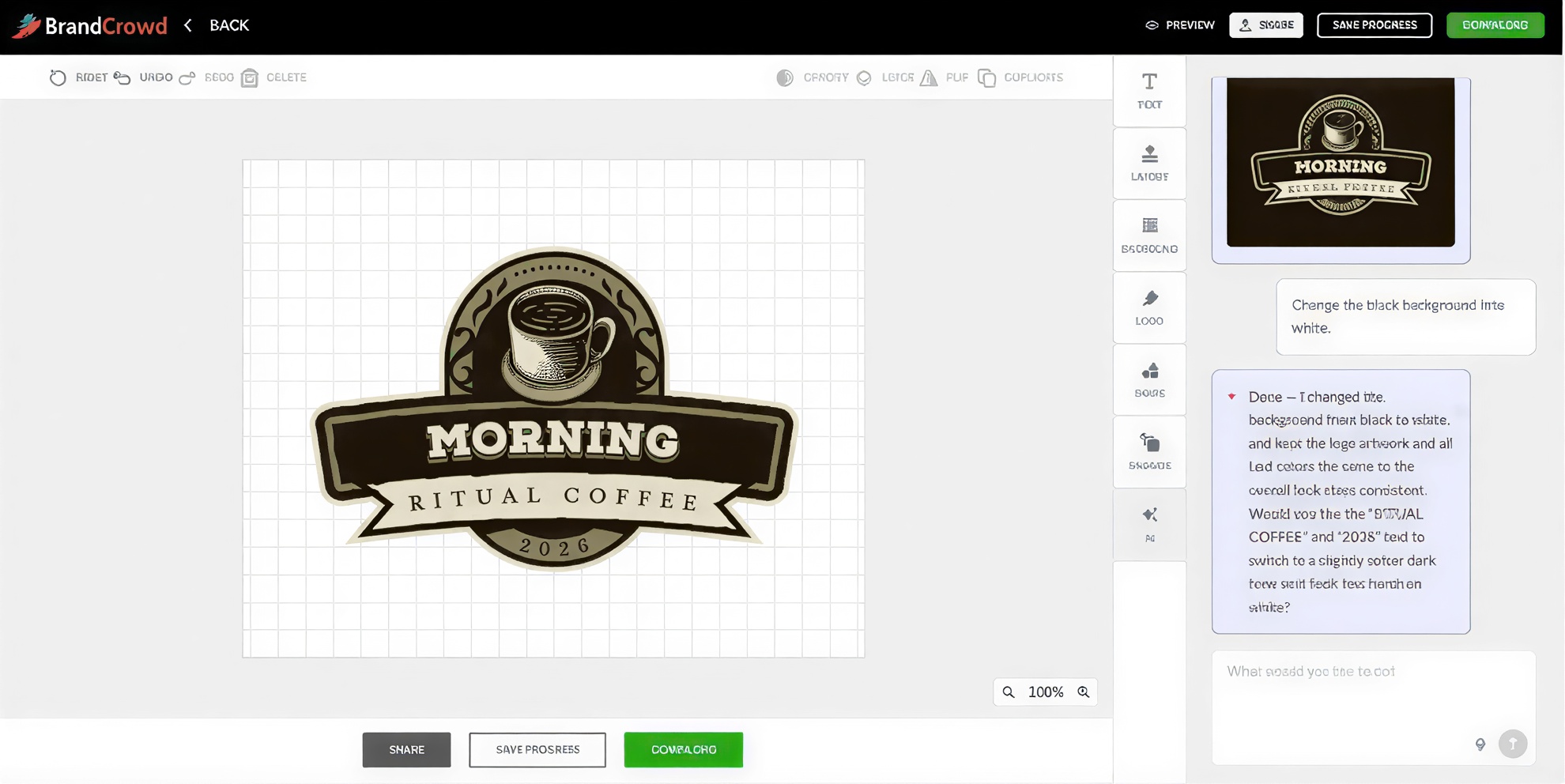
Need a different look? We instructed the AI to swap the black background for white just to test the adjustment, and it handled the change in seconds without losing consistency.

Who it's built for:
- Business owners who want a wide range of options to browse and compare before committing
- Anyone who needs something polished quickly without going back and forth on a custom design
- Brands that have a clear visual direction in mind and want to find it fast
- Non-designers who want professional results without a steep learning curve.
Verdict: BrandCrowd is the strongest choice if you want maximum variety, fast results, and stylish output without a steep learning curve.
3. Adobe Express
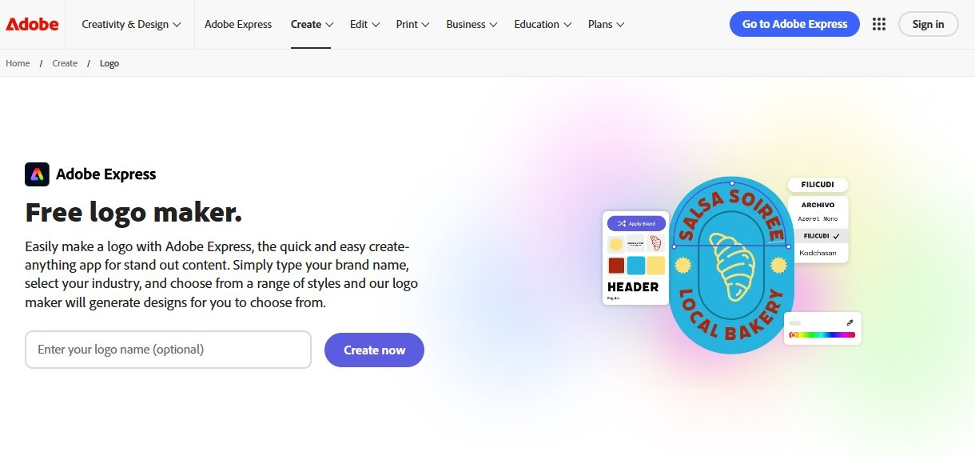
Adobe has been the gold standard in professional design software for decades. Adobe Express brings that legacy into a much more accessible format, giving everyday users access to a surprisingly powerful logo maker.
The asset library is where Adobe's legacy shows up most clearly. Thousands of fonts, a wide collection of stock images, templates, and design elements give you a lot to work with, much of it available without paying a cent. One feature worth noting is the ability to export animated logo versions, which is useful for brands that operate primarily in digital and video environments.
That said, the tool has its limits. Customization can feel constrained on the free plan, some template categories still feel underdeveloped, and advanced vector editing is not really on the table here.
Key features:
- Instant logo generation from a name and keyword input
- Dozens of icon styles and layout options
- PNG, JPG, and animated MP4 export formats
- Drag-and-drop customization editor
- Brand kit support for saving logos, colors, and fonts
|
Category
|
Rating
|
Details
|
|
Overall
|
4/5
|
Aggregate score reflecting generation speed, creative output, and how well results align with the brief.
|
|
Design quality
|
4/5
|
Adobe Express leans on a deep asset library built from decades of creative tooling, producing clean, versatile logos that feel polished and commercially ready.
|
|
Ease of use
|
4/5
|
The interface is familiar to anyone in the Adobe ecosystem. Generation is rapid, though deeper customization has a slightly steeper curve than simpler tools.
|
|
Relevancy
|
3.5/5
|
Results are generally on-brand for the industry entered, but the asset-library approach can occasionally surface options that feel broader than targeted.
|
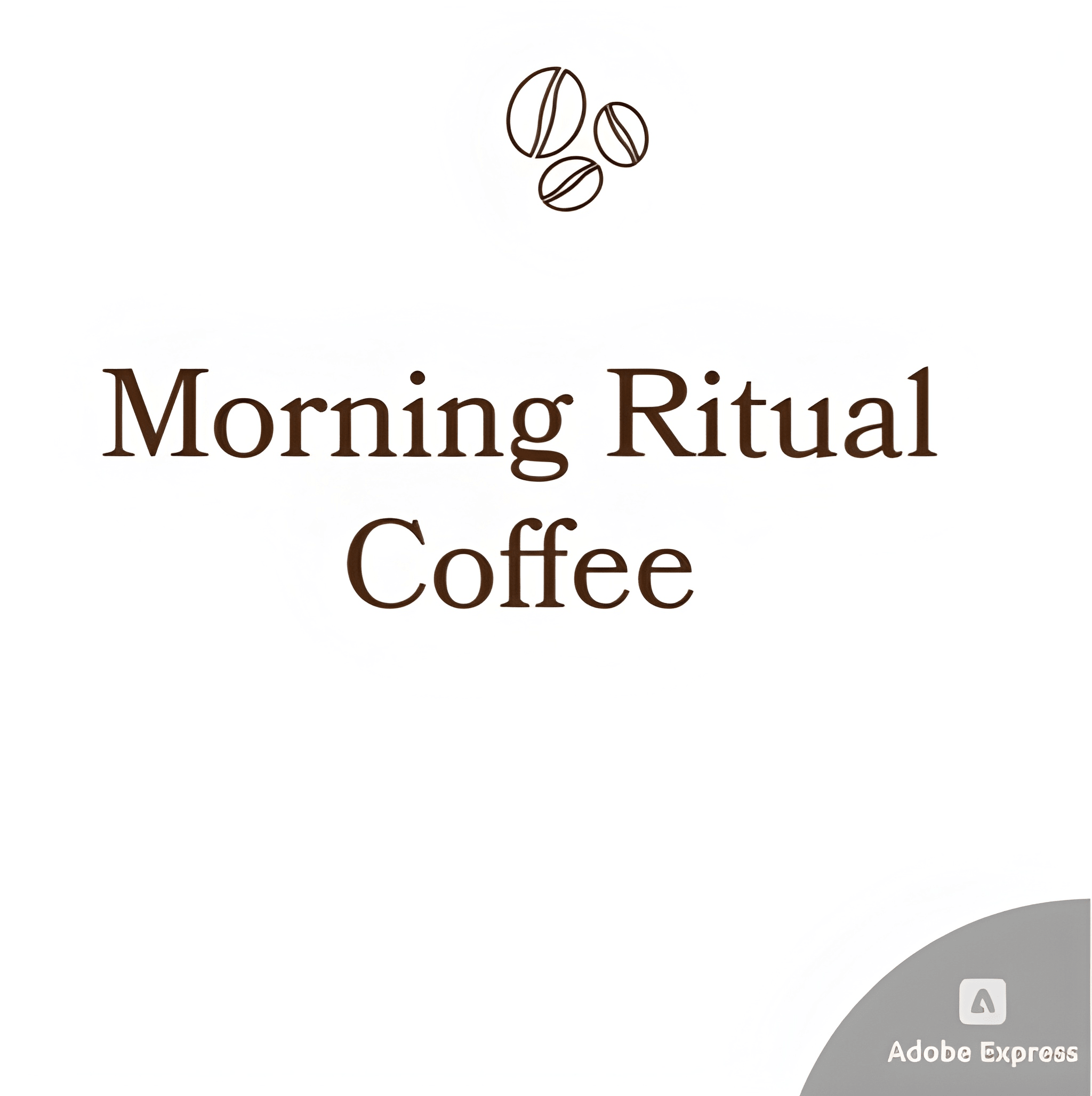
Explore the logo generated by the tool.
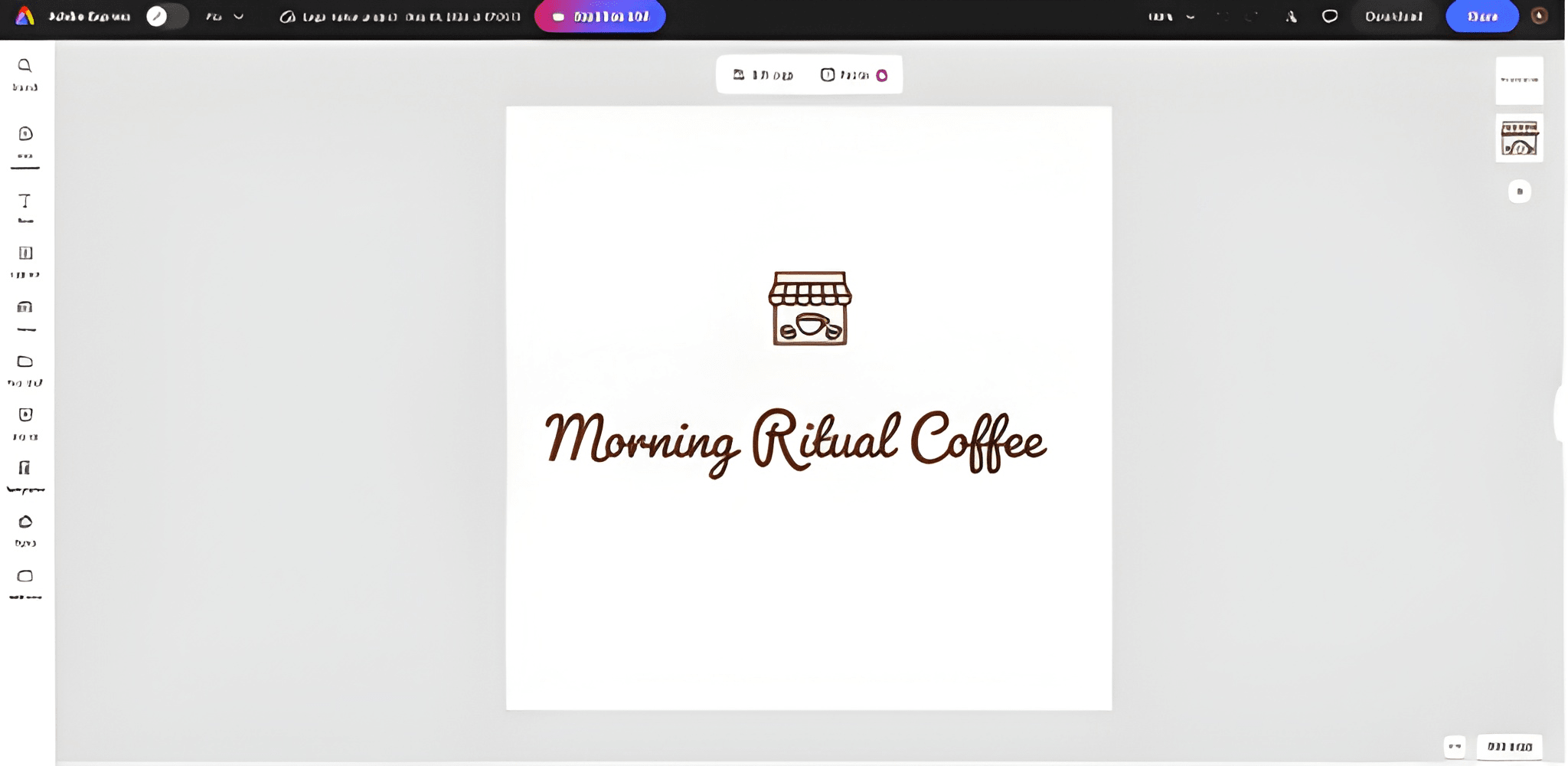
Now, take a look at the Adobe Express customization panel.
Who it's built for:
- First-time logo creators who want guidance without being overwhelmed
- Creators and small brands building primarily for digital platforms
- Anyone already working within the Adobe ecosystem
Verdict: Adobe Express is a solid entry point for anyone who wants decent results without complexity. It won't give you the branding depth of some other tools on this list, but for a clean and fast starting point, it does the job.
4. Canva
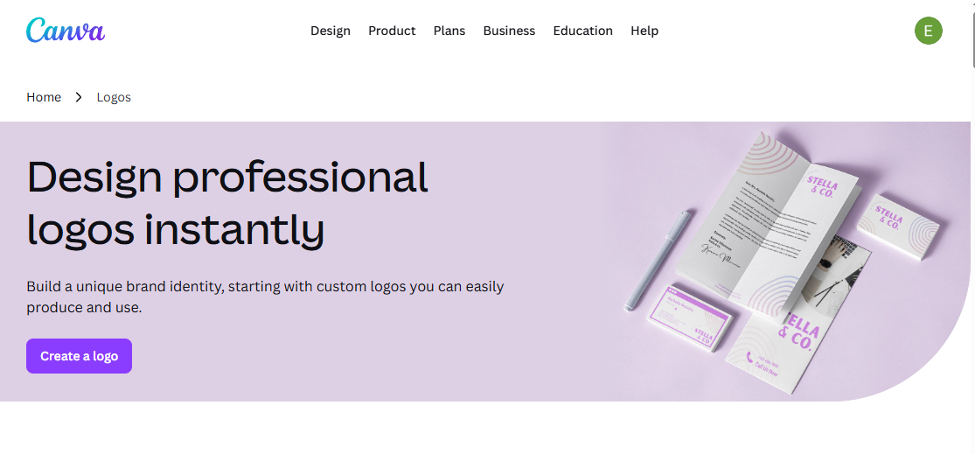 Canva has grown into one of the most widely used design platforms in the world, and its logo maker reflects that. The tool gives you two ways in. You can use the AI logo generator by describing what you want and browsing through what it suggests, or you can build from scratch using the drag-and-drop editor and pull from millions of icons, thousands of font combinations, and a large library of graphic elements.
The flexibility is genuinely useful, but what makes Canva particularly practical is how well the logo connects to everything around it.
Key features:
- AI-assisted logo generation with template browsing
- Millions of free icons, images, and graphic elements
- 3,000+ fonts plus the ability to upload custom typefaces
- Brand Kit for storing and applying brand assets automatically, available on Pro
- Real-time team collaboration and mobile editing
|
Category
|
Rating
|
Details
|
|
Overall
|
4/5
|
Composite score spanning creative flexibility, collaborative capability, and output appropriateness.
|
|
Design quality
|
4/5
|
Canva's drag-and-drop system produces attractive, well-structured logos in a wide range of styles, from minimal to bold, backed by an extensive element library.
|
|
Ease of use
|
4/5
|
One of the most accessible editors available, with team collaboration features built in. Pro unlocks the full toolkit at $15/month, while the free tier covers a solid range of needs.
|
|
Relevancy
|
3.5/5
|
The sheer volume of templates means relevant options are always present, though surfacing the most fitting ones can take more manual browsing than AI-first platforms
|
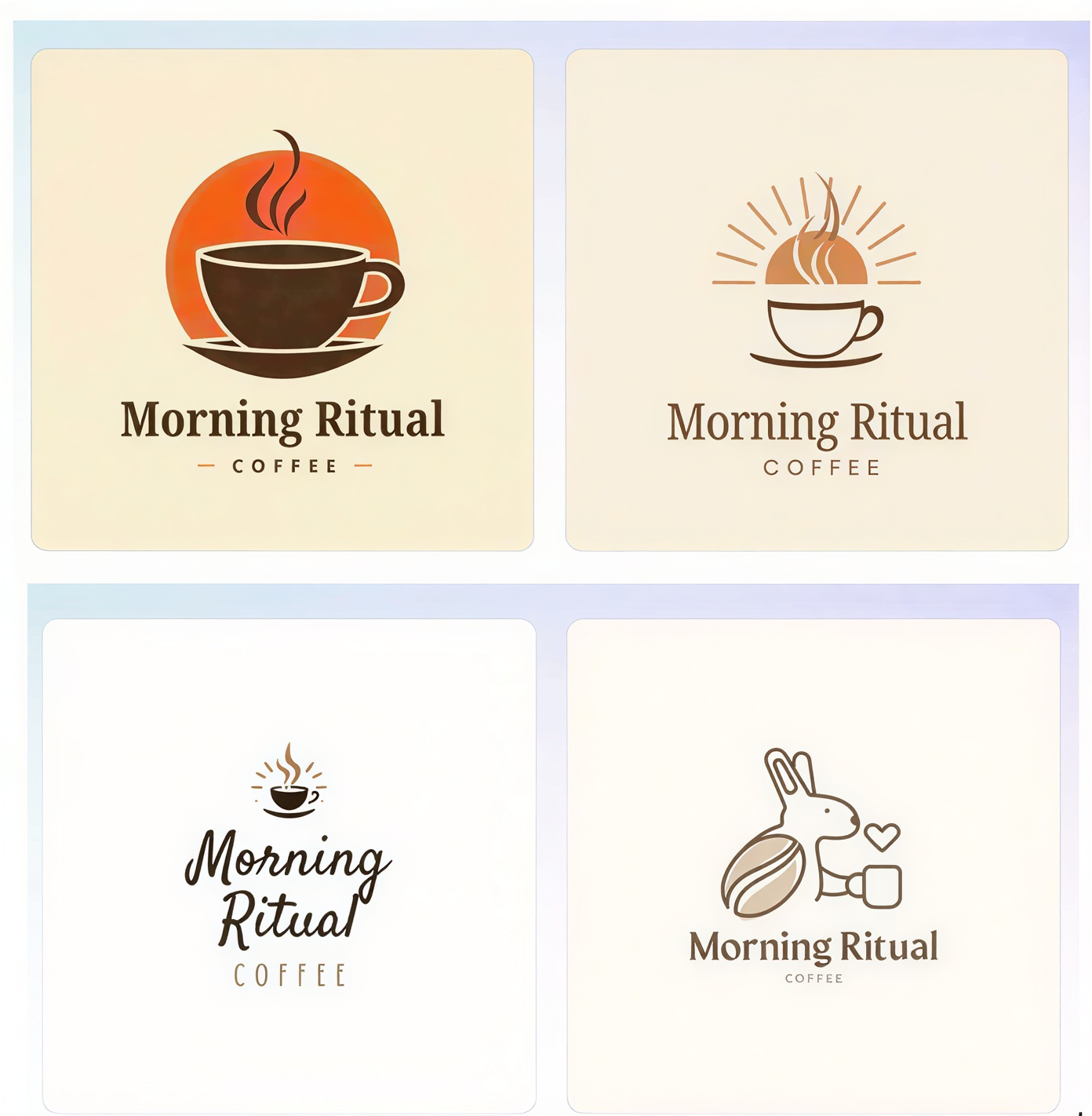
Check out Canva’s collection of design templates.
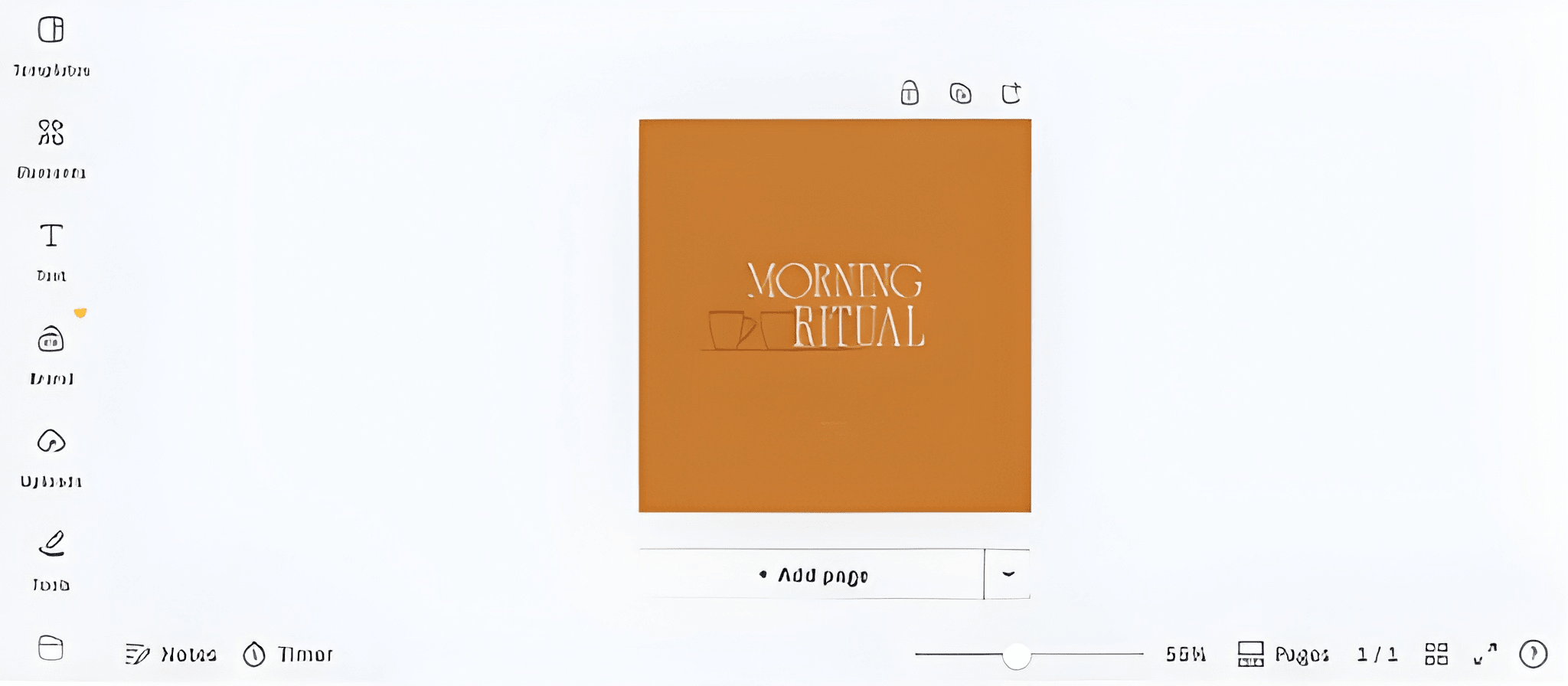
Here’s the standard Canva interface used for logo editing.
Who it's built for:
- Small businesses and startups building out a full brand identity
- Marketing teams that need consistent assets across many channels
- Anyone already using Canva for other design work
Verdict: Canva makes branding easy for beginners, though many premium templates and features require a Pro subscription.
5. VistaCreate
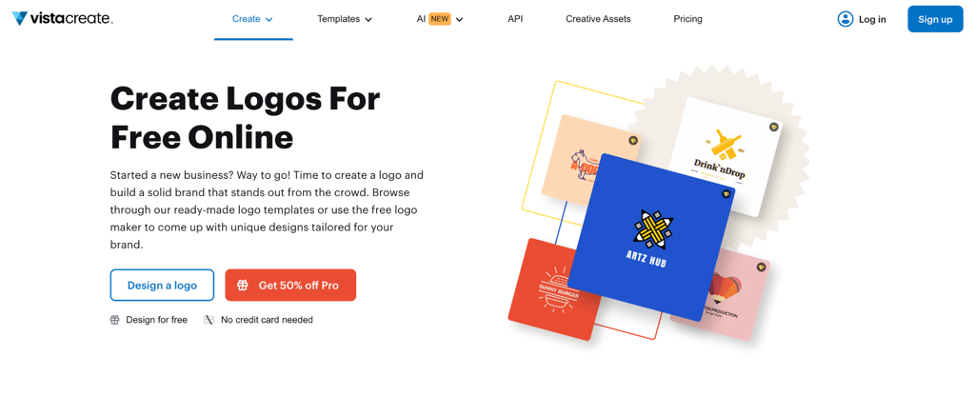
As part of the Vista family, VistaCreate offers an accessible design experience aimed at beginners and small businesses. The platform keeps things simple by letting users choose a template and gradually customize elements like typography, colors, icons, and graphics until the design feels usable and polished. While it is not built for highly advanced branding work, it handles basic logo creation and visual identity tasks.
Key features:
- Background remover and AI object remover tools
- Brand Kit with unlimited storage on Pro
- Animation and video capabilities for digital content
- Direct print integration with VistaPrint for physical materials
|
Category
|
Rating
|
Details
|
|
Overall
|
3.5/5
|
Blended score across visual output, workflow simplicity, and how closely generated designs match the intended brand direction.
|
|
Design quality
|
4/5
|
VistaCreate produces attractive, print-ready designs with a practical approach, though it doesn’t particularly stand out from the competition.
|
|
Ease of use
|
3.5/5
|
The platform keeps things approachable with a clean, uncluttered workspace.
|
|
Relevancy
|
3/5
|
Designs are generally appropriate for the category entered, though the selection feels narrower compared to larger platforms, and AI tailoring is less pronounced.
|
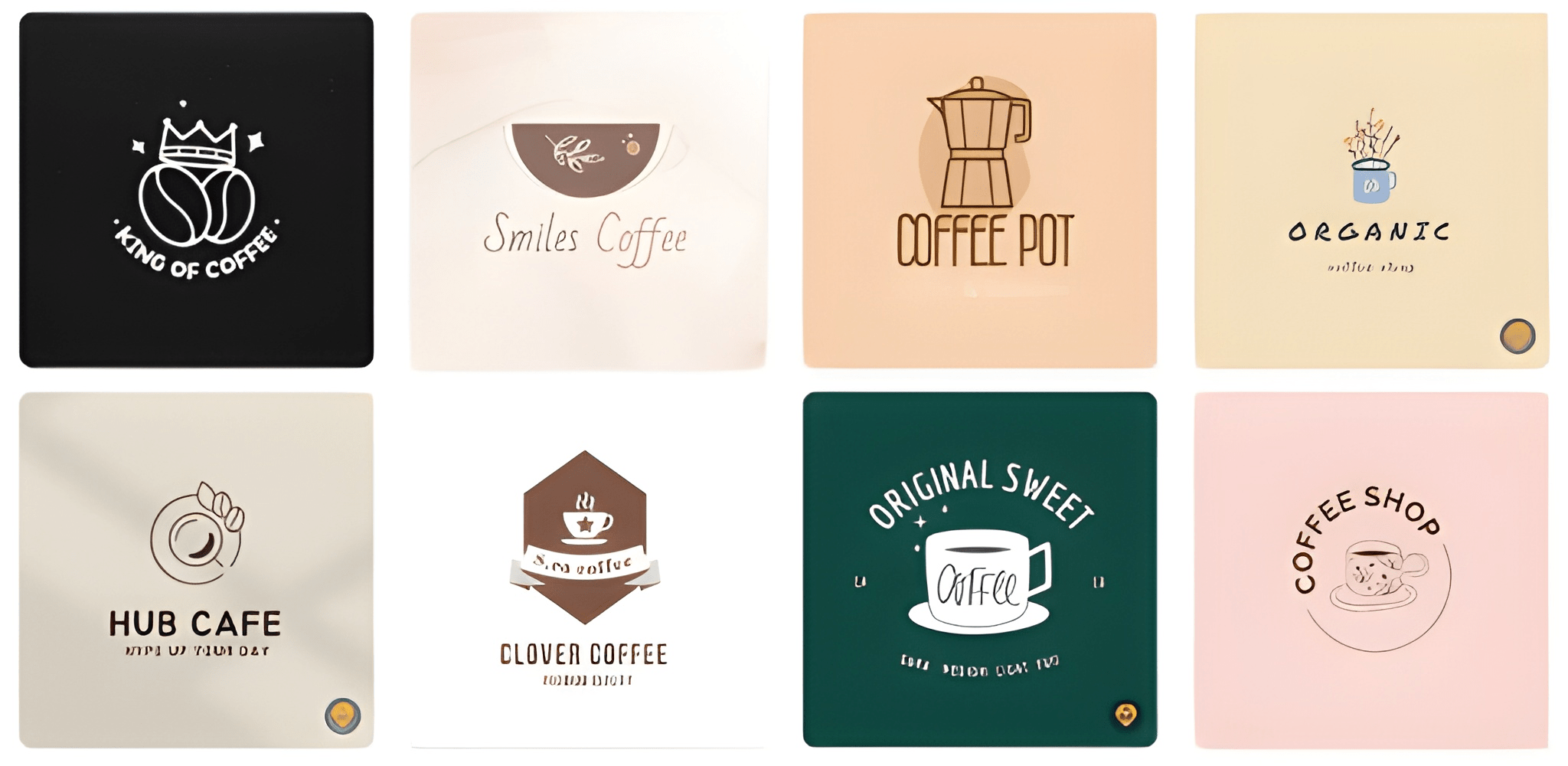
See what this platform’s generic design templates look like.
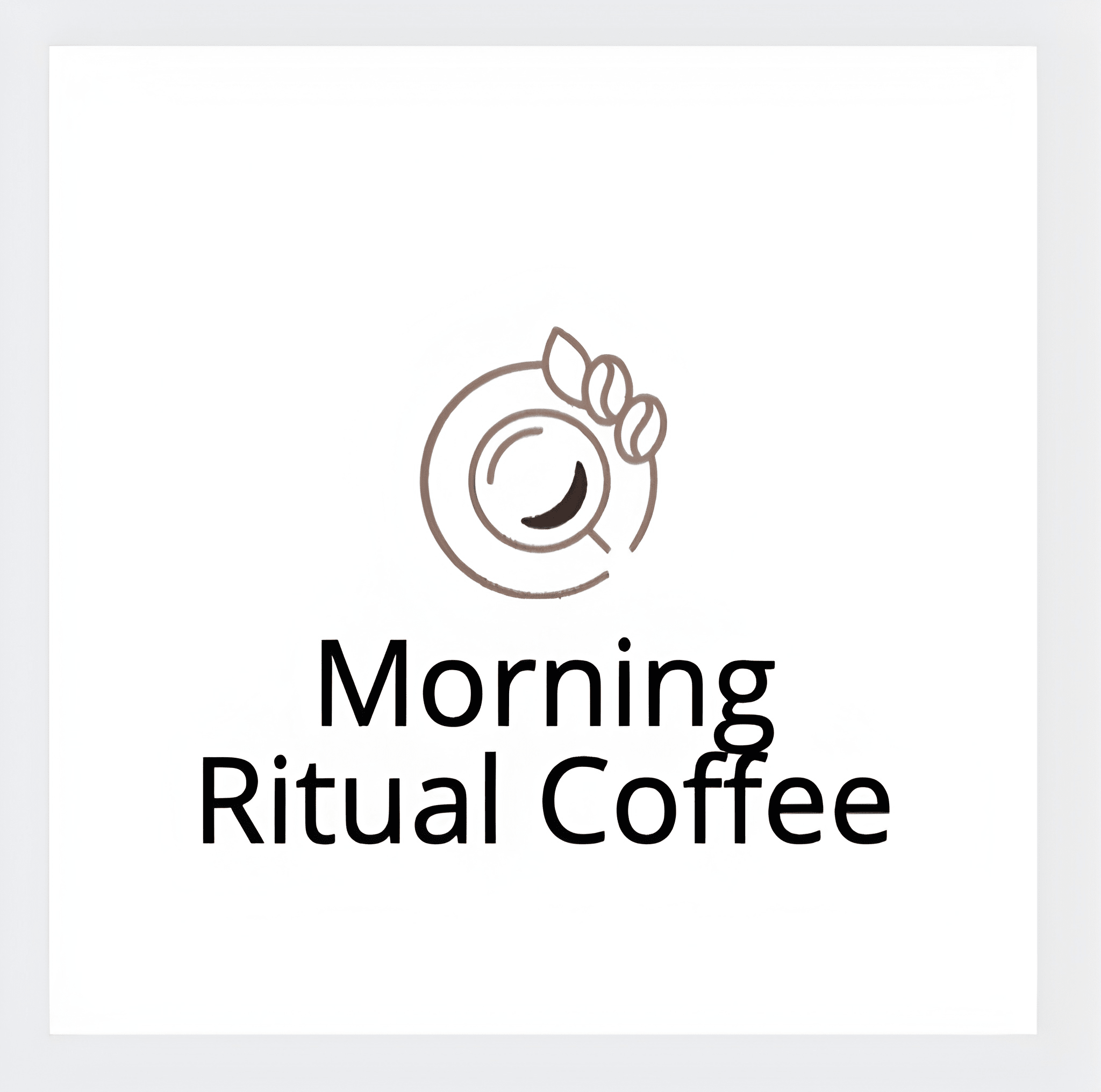
We customized a logo using the business name Morning Ritual Coffee just to test the output, and while it worked, nothing particularly stood out.
Who it's built for:
- Small businesses that need to move from logo to printed materials in one workflow
- Brands managing assets across both digital and print channels
- Teams of up to ten people working on shared brand assets
- Anyone already using VistaPrint for printing
Verdict: VistaCreate works best as a bridge between digital design and physical print. Outside of that use case, the free plan is too limited, the asset library has gaps, and the lack of vector editing makes it a difficult choice for anyone who needs more than the basics.
Tips for Choosing the Right Logo Maker
Here are a few things worth keeping in mind before you commit:
- Look at the output quality first: Browse examples of logos each platform has produced. The best tools consistently deliver clean, professional results across different industries — not just in their best-case showcases.
- Prioritize AI tools that let you stay in control: The strongest logo makers, like Design.com and BrandCrowd, combine AI-powered generation with hands-on editing so you're not stuck with whatever the algorithm spits out. You should be able to refine colors, fonts, icons, and layouts until it genuinely feels like yours.
- Make sure the platform fits your workflow: The best tool is the one you'll actually use. If the editor is confusing or the process feels clunky, you're less likely to keep your branding updated as your business grows.
Final Thoughts
A great logo is one of the best investments you can make in your brand. In 2026, you have genuinely excellent tools to help you create one without needing a design degree or a five-figure agency budget.
Design.com and BrandCrowd are the two safest bets. Both deliver professional-grade results, offer strong free options, and grow with you as your brand evolves. Either one will give you a logo you're proud to put on everything.
The most important thing is simply to start. Your brand is already out there waiting to be defined. Pick your tool, start creating, and build something that people remember.
Looking for more branding resources? Check out these related reads:
Anne Joyce Raymundo is an SEO Content Writer with years of experience creating compelling content for businesses of all sizes. She creates thoughtful, research-backed articles that turn complex topics into clear, actionable reads.
Written by DesignCrowd on Monday, June 1, 2026
DesignCrowd is an online marketplace providing logo, website, print and graphic design services by providing access to freelance graphic designers and design studios around the world.
